If your account is locked due to suspicious activity, the platform has detected unusual behavior and temporarily restricted access for security reasons. When you see a message saying “Your account has been locked due to suspicious activity”, it can feel alarming. Whether it’s a social media account, payment platform, email provider, or work-related service, this message usually appears without warning and may prevent you from accessing important data, funds, or communication tools.
This guide explains:
- What “account locked due to suspicious activity” really means
- Why platforms trigger this message
- Safe steps you should take immediately
- What NOT to do
- How long security locks typically last
- Whether your account can be fully restored
We do not unlock accounts or provide official support. Instead, this article explains what this message means and outlines safe, platform-approved next steps.
What Does “Account Locked Due to Suspicious Activity” Mean?
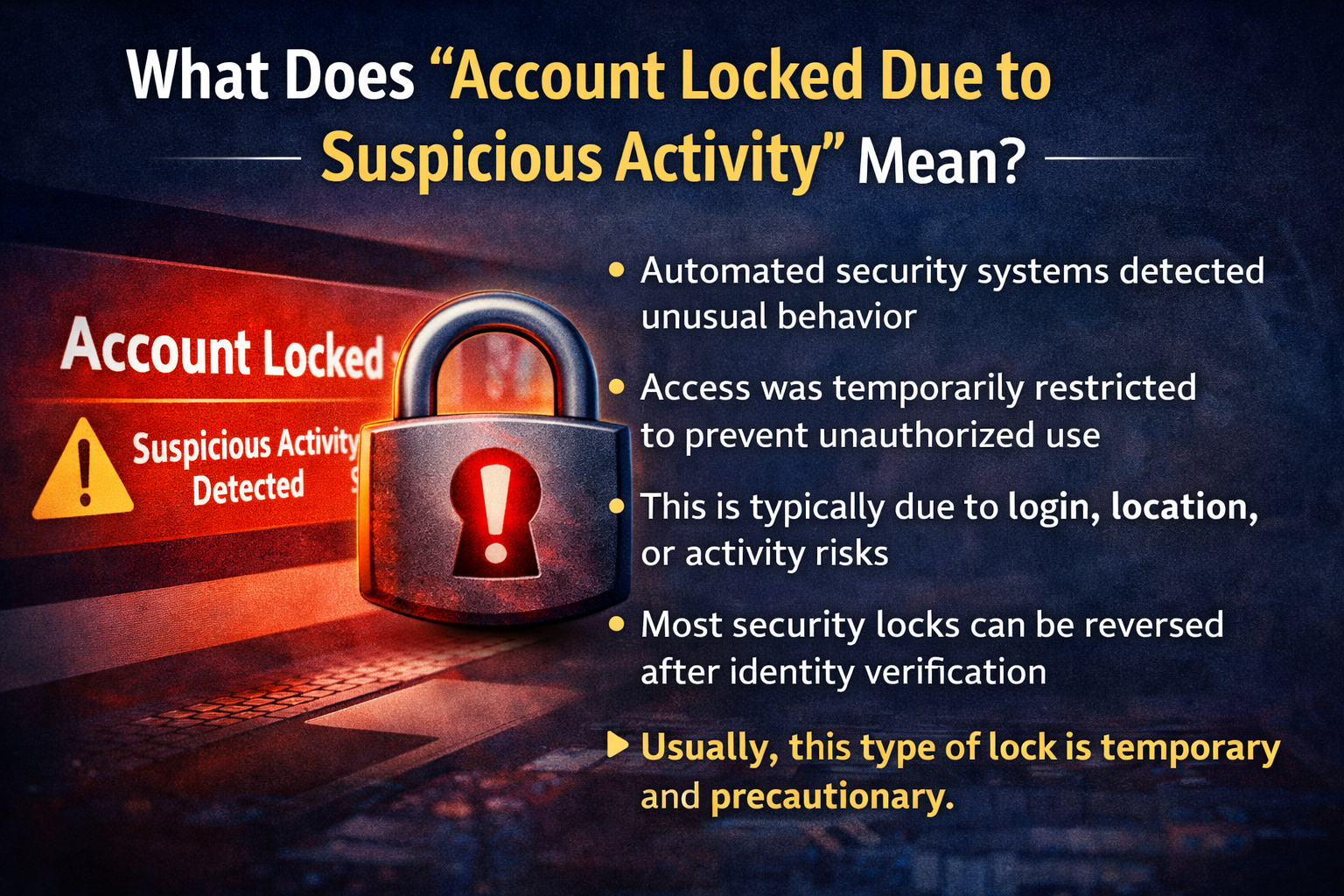
An account lock due to suspicious activity is a security protection measure. It usually means the platform detected behavior that does not match your typical usage pattern.
This does not automatically mean:
- Your account was hacked
- You violated a policy intentionally
- You are permanently banned
Instead, it typically indicates that the system flagged something unusual and temporarily restricted access to prevent potential harm.
In most cases, platforms lock accounts when they suspect:
- Unauthorized login attempts
- Compromised passwords
- Automated behavior (bots or scripts)
- Location changes that appear risky
- Repeated failed login attempts
The lock is often temporary and designed to protect both you and the platform.
Why Platforms Detect Suspicious Activity
Modern platforms rely heavily on automated security systems. These systems analyze:
- Login IP addresses
- Device fingerprints
- Browser behavior
- Typing patterns
- Account activity speed
- Transaction history (for financial services)
If something significantly deviates from your normal behavior, the system may trigger a lock.
Common Reasons Accounts Get Locked
1. Login From a New Country or IP Address
If you log in while traveling or using a VPN, the system may interpret this as a potential breach.
2. Multiple Failed Login Attempts
Repeated incorrect password attempts often trigger automatic lock mechanisms.
3. Rapid or Unusual Activity
Examples:
- Sending many messages quickly
- Large transfers (for payment services)
- Mass following/unfollowing (on social platforms)
4. Compromised Credentials
If your email or password appears in a known data breach, platforms may proactively lock your account.
5. Automated or Scripted Behavior
Using third-party automation tools can sometimes trigger suspicious activity flags.
First Steps to Take Immediately
If your account is locked due to suspicious activity, do not panic. Follow these safe, structured steps.
Step 1: Carefully Read the Notification
Check:
- Is it from the official platform?
- Does it contain a reference number?
- Are there instructions for identity verification?
Avoid clicking links from suspicious emails. Always log in directly through the official website.
Step 2: Reset Your Password Immediately
If you still have partial access:
- Use the official password reset process.
- Choose a strong, unique password.
- Avoid reusing passwords from other services.
If you cannot access your account:
- Use the “Forgot Password” option.
- Verify your email carefully.
Step 3: Enable Two-Factor Authentication (2FA)
Once access is restored:
- Enable 2FA via SMS or authenticator app.
- Prefer app-based authentication over SMS when possible.
This reduces future lock risks.
Step 4: Review Recent Account Activity
Check:
- Login history
- Recent transactions
- Messages sent
- Connected devices
If something looks unfamiliar, report it through official channels.
Step 5: Remove Suspicious Third-Party Apps
Sometimes external apps connected to your account may trigger security flags.
Review:
- Connected apps
- API permissions
- Automation tools
Remove anything you do not recognize.
Step 6: Follow Identity Verification Instructions
Platforms may request:
- Photo ID
- Selfie verification
- Email confirmation
- Security questions
Respond only through official interfaces.
What You Should NOT Do
Security locks can escalate if handled incorrectly.
Avoid These Common Mistakes:
- ❌ Creating a new account immediately
- ❌ Using paid “unlock services”
- ❌ Sending multiple appeal requests repeatedly
- ❌ Changing personal data during review
- ❌ Sharing login credentials with third parties
- ❌ Spamming support emails
Repeated or aggressive actions can delay review or trigger additional restrictions.
How Long Does an Account Lock Last?
There is no universal timeframe, but here are general patterns:
Security-Triggered Lock
Typically resolved within:
- A few minutes (automatic)
- 24–48 hours
- Up to 7 days if manual review is required
Identity Verification Required
May take:
- 24–72 hours
- 3–10 business days depending on platform
Complex Review (Financial Platforms)
Can take:
- 7–14 days
- Longer if documents are missing
If no update occurs after 10–14 days, you may consider contacting official support through proper channels.
Is an Account Lock Permanent?
In most suspicious activity cases, locks are temporary.
However, permanent restrictions may occur if:
- Clear policy violations are found
- Repeated suspicious patterns continue
- Fraud or abuse is detected
- False information was submitted during verification
If your account remains locked beyond expected timelines, check if the message references:
- Suspension
- Permanent restriction
- Policy violation
Those terms indicate a more serious situation.
How to Prevent Future Suspicious Activity Locks
Prevention is crucial, especially for business, payment, or work accounts.
1. Use Strong Unique Passwords
Use a password manager if possible.
2. Enable Multi-Factor Authentication
This significantly lowers lock risk.
3. Avoid Frequent VPN Switching
Changing IP addresses frequently may trigger alerts.
4. Limit Automation Tools
Third-party automation may appear bot-like.
5. Monitor Login Alerts
Respond quickly to unfamiliar login attempts.
Differences Between Security Lock and Policy Suspension
Understanding the difference matters.
| Security Lock | Policy Suspension |
|---|---|
| Triggered by unusual activity | Triggered by rule violation |
| Often temporary | May be permanent |
| Requires verification | Requires appeal |
| Security-focused | Behavior-focused |
If your message mentions suspicious activity, it is usually a security lock, not a policy violation.
When Should You Contact Official Support?
You should consider contacting support if:
- The lock persists beyond normal review timelines
- You submitted documents and received no update
- The lock message changes to suspension
- Your business account is impacted significantly
Always use:
- Official website support pages
- Verified contact forms
- In-platform messaging systems
Avoid third-party services claiming guaranteed unlocks.
Emotional Response: Stay Calm and Structured
Account locks feel personal, but they are automated security processes in most cases.
The best approach is:
- Structured action
- Patience
- Compliance with verification steps
- Avoiding impulsive reactions
Related Account Status Messages
You may also see:
- Account Under Review
- Account Restricted
- Account Disabled
- Login Attempt Blocked
- Verification Required
- Account Limited
Each message has slightly different implications, but most follow similar security procedures.
Final Thoughts
An “Account Locked Due to Suspicious Activity” message is primarily a protective security mechanism, not an automatic punishment.
In most cases:
- The lock is temporary
- Verification resolves the issue
- Stronger security settings prevent recurrence
Follow official steps carefully, avoid risky shortcuts, and allow the review process to complete.
This page explains the message and common next steps. It is not official support and is not affiliated with any specific platform.









