So, you’ve tried logging into your account, and bam! You’re met with a message that says your account is blocked. Panic sets in, right? But hold on, take a deep breath. It’s not the end of the world. There are steps you can take to get back on track. Let’s dive into what you should do first when faced with this situation.
First things first, don’t ignore any notifications or emails from the service provider. They usually send out messages explaining why your account was blocked. It might be due to suspicious activity, a security breach, or even a simple mistake. Whatever the reason, understanding it is your first step towards resolution.
Once you know why your account was blocked, it’s time to revisit the terms and conditions of the service. Yep, those long documents we all tend to skip. They might hold the key to understanding what went wrong. Maybe you unknowingly violated a rule. Knowing this can help you avoid similar issues in the future.
Next, reach out to customer support. They’re there to help, after all. Explain your situation and ask for guidance on what steps to take next. Be sure to prepare all necessary information beforehand. This includes your account details and any correspondence you’ve had with the service provider. Having everything ready will streamline the process and make it easier for support to assist you.
If you’re looking for a quicker response, consider utilizing live chat options. Many service providers offer real-time assistance through chat. It’s often faster than waiting for an email response and can help you get your account back in no time.
Now, if you suspect that your account was compromised, resetting your password should be a priority. Choose a strong, unique password to enhance your account’s security. This simple step can prevent unauthorized access and protect your personal information.
Another crucial step is verifying your identity. Service providers need to ensure that they’re dealing with the rightful account owner. Be prepared to provide any necessary information to prove your identity. This might include answering security questions or providing identification documents.
Explore alternative recovery options as well. Some services offer recovery through security questions or a recovery email. These methods can be lifesavers if you’re having trouble regaining access through traditional means.
Finally, let’s talk about preventing future blocks. Regularly updating your passwords can significantly enhance your account’s security. It’s a simple habit that can save you a lot of trouble down the road. Additionally, enable two-factor authentication if it’s available. It’s like adding an extra lock to your door, keeping unwanted guests out.
In conclusion, dealing with a blocked account can be frustrating, but it’s not insurmountable. By understanding the reason for the block, contacting support, and taking steps to secure your account, you can regain access and prevent future issues. Remember, being proactive is your best defense against account blocks.
Understanding the Reason for the Block
Picture this: You’re trying to log into your account, and suddenly, you’re hit with a dreaded message. Your account is blocked. Panic sets in, but take a deep breath. The first step to resolving this issue is to understand why it happened in the first place. It’s like being a detective, piecing together clues to solve a mystery.
Start by checking any notifications or emails you’ve received from the service provider. These messages often contain vital information about the block. They might tell you if it’s due to suspicious activity, a breach of terms, or perhaps a simple misunderstanding. Think of these notifications as breadcrumbs leading you to the source of the problem.
It’s crucial to read these messages carefully. They may contain specific details or instructions on what to do next. Sometimes, it’s as simple as confirming your identity or acknowledging a change in terms. Other times, it might require a bit more effort, like resetting your password or verifying recent activity.
If the email or notification is unclear, don’t hesitate to visit the service provider’s website. Many companies have a dedicated section for account issues. Here, you might find a FAQ or a help center that provides more insight. It’s like having a manual for your account, offering guidance on common problems and solutions.
Understanding the reason for the block is the first step toward resolving it. It sets the stage for the actions you’ll take next. It’s like knowing the rules of a game before you start playing. So, gather all the information you can, and get ready to tackle the next steps in regaining access to your account.
Reviewing Terms and Conditions
Let’s face it. Nobody really enjoys reading terms and conditions. They’re often long, tedious, and filled with legal jargon that makes your eyes glaze over. But when your account gets blocked, diving into those terms can be your best friend. Why? Because understanding the rules you’ve agreed to is crucial in figuring out what might have gone wrong.
First things first, grab a cup of coffee and settle in. It’s time to go through those terms and conditions with a fine-tooth comb. You might think of it as looking for a needle in a haystack, but it’s more like finding a map to your treasure. This document outlines the do’s and don’ts of your account usage. It’s where the service provider spells out what behavior is acceptable and what can get you into hot water.
Ever clicked ‘I agree’ without reading? We all have. But now’s the time to change that habit. Look for sections about user conduct, account security, and any specific clauses related to account suspension or termination. These are the areas where you might have tripped up.
Here’s a quick tip: Use the search function (Ctrl + F) to find keywords like ‘block,’ ‘suspend,’ or ‘terminate.’ This can save you a lot of time. Once you identify the potential reason for your account block, you’ll have a clearer path to resolving the issue.
Understanding the terms and conditions is like knowing the rules of a game. You wouldn’t play a board game without knowing how to win, right? The same goes for your account. Knowing the rules helps you play the game smarter and avoid future pitfalls.
In some cases, the terms and conditions might even point you toward the next steps or provide contact information for customer support. This can be invaluable when you’re trying to resolve the issue quickly. Remember, the goal is to get your account back up and running, and understanding the terms is a critical step in that journey.
So, take a deep breath, dive into those terms, and equip yourself with the knowledge you need. It might not be the most thrilling read, but it’s certainly an important one. And who knows? You might even learn something new about the service you’re using.
Contacting Customer Support
So, your account’s been blocked. Bummer, right? But don’t worry, contacting customer support is your lifeline here. Think of them as the friendly neighborhood superheroes ready to swoop in and save the day. But before you dial that number or hit that chat button, there are a few things you should know.
First off, take a deep breath. You need to approach this with a clear mind. Customer support teams are like detectives; they need clues to solve the mystery of your blocked account. Start by gathering all the relevant information. What kind of information, you ask? Well, here’s a little checklist for you:
- Your account username or ID.
- Any emails or notifications you’ve received about the block.
- Details about the last activities you performed before the block.
Having this information at your fingertips can speed up the process like a cheetah on a sugar rush. It’s all about making it easy for them to help you. Now, if you’re anything like me, waiting on hold isn’t your idea of a good time. That’s why I always suggest checking if the service offers live chat support. It’s fast, it’s efficient, and let’s face it, it’s way less awkward than trying to explain your problem over the phone.
Live chat allows you to get real-time assistance without the hassle of waiting in a phone queue. Plus, you can often save a transcript of the conversation for future reference. It’s like having a written record of your superhero’s rescue mission. And if they don’t have live chat? No worries. Just send them a detailed email with all the gathered information. Be polite, be concise, and remember, these folks are here to help you.
Now, let’s talk about timing. Reaching out during business hours can often get you a quicker response. Most companies have their customer support teams working around the clock, but hitting them up when they’re fresh and caffeinated might just get you that extra bit of attention.
In conclusion, contacting customer support is like calling in reinforcements. Approach it prepared, use live chat if available, and be patient. With the right information and a little bit of luck, your account will be back up and running before you know it. So, go ahead, make that call, and get your digital life back on track.
Preparing Necessary Information
When you find your account blocked, it’s crucial to have all the necessary information at your fingertips. This preparation can make the difference between a quick resolution and a prolonged ordeal. Think of it like packing for a trip. You wouldn’t want to forget your passport, right? Similarly, when dealing with a blocked account, having the right information ready is key.
First, gather all your account details. This includes your username, email associated with the account, and any other identifiers. If you have multiple accounts, double-check to ensure you’re referencing the correct one. It’s like ensuring you’re calling the right friend when you need a ride home.
Next, look for any correspondence you’ve received from the service provider. Check your email, including the spam folder, for any notifications or alerts about your account status. These messages often contain vital clues about why your account was blocked. It’s akin to finding a note on your desk explaining why your teacher kept you after class.
Additionally, if you’ve had any previous interactions with customer support, dig up those emails or chat logs. They might provide context or reference numbers that could expedite the process. Think of it as pulling out your medical history when you visit a new doctor; it helps them understand your situation better.
Lastly, if your account involves any financial transactions, gather recent transaction details. This might include dates, amounts, and transaction IDs. Having this information can be crucial, especially if the block is related to suspicious activity. It’s like having a receipt for a returned item; it proves your case.
| Information Type | Details Required |
|---|---|
| Account Details | Username, Email, Associated IDs |
| Correspondence | Emails, Notifications, Alerts |
| Previous Interactions | Emails, Chat Logs, Reference Numbers |
| Financial Transactions | Dates, Amounts, Transaction IDs |
In summary, preparing the necessary information is like assembling a toolkit. Each piece of information is a tool that can help you resolve the issue efficiently. With everything in place, you’re well-equipped to tackle the problem head-on, just like a seasoned traveler ready for any adventure.
Utilizing Live Chat Options
Identify why your account was blocked by reviewing any notifications or emails you received from the service provider.
Revisit the terms and conditions of the service to understand any possible violations that may have led to the block.
Reach out to customer support for assistance and clarification on the block and the steps needed to resolve it.
Gather relevant account details and any correspondence to streamline the support process.
When your account is blocked, the clock is ticking, and you need solutions fast. One of the quickest ways to get help is by using live chat options. Imagine it as having a friendly assistant right at your fingertips, ready to help you cut through the red tape. Live chat is like the express lane at a grocery store—quick, efficient, and often less frustrating than waiting on hold for hours.
Many service providers offer live chat support on their websites. It’s usually available during business hours, but some services might even provide 24/7 support. All you need to do is look for the chat icon, typically found at the bottom corner of the website. Click it, and within moments, you’ll be connected to a customer support representative. They can help you understand why your account was blocked and what you need to do to fix it.
Live chat is especially useful because it allows you to multitask. You can continue with your day while waiting for responses, unlike phone support, where you’re tethered to the call. Plus, there’s a written record of the conversation. This can be incredibly handy if you need to refer back to any advice or instructions given by the support agent.
But before you dive into a live chat session, make sure you’re prepared. Have your account details ready, and if there were any previous emails or notifications regarding the block, keep them at hand. Being prepared will make the chat smoother and more productive. Remember, the goal is to get your account back up and running as soon as possible.
Consider resetting your password as a precautionary measure if your account was compromised.
Be prepared to verify your identity with the service provider to prove account ownership.
Investigate other recovery options provided by the service, such as security questions or recovery email.
Learn how to prevent future account blocks by implementing security best practices.
Regularly update your passwords to enhance account security and prevent unauthorized access.
Enable two-factor authentication for an added layer of security on your account.
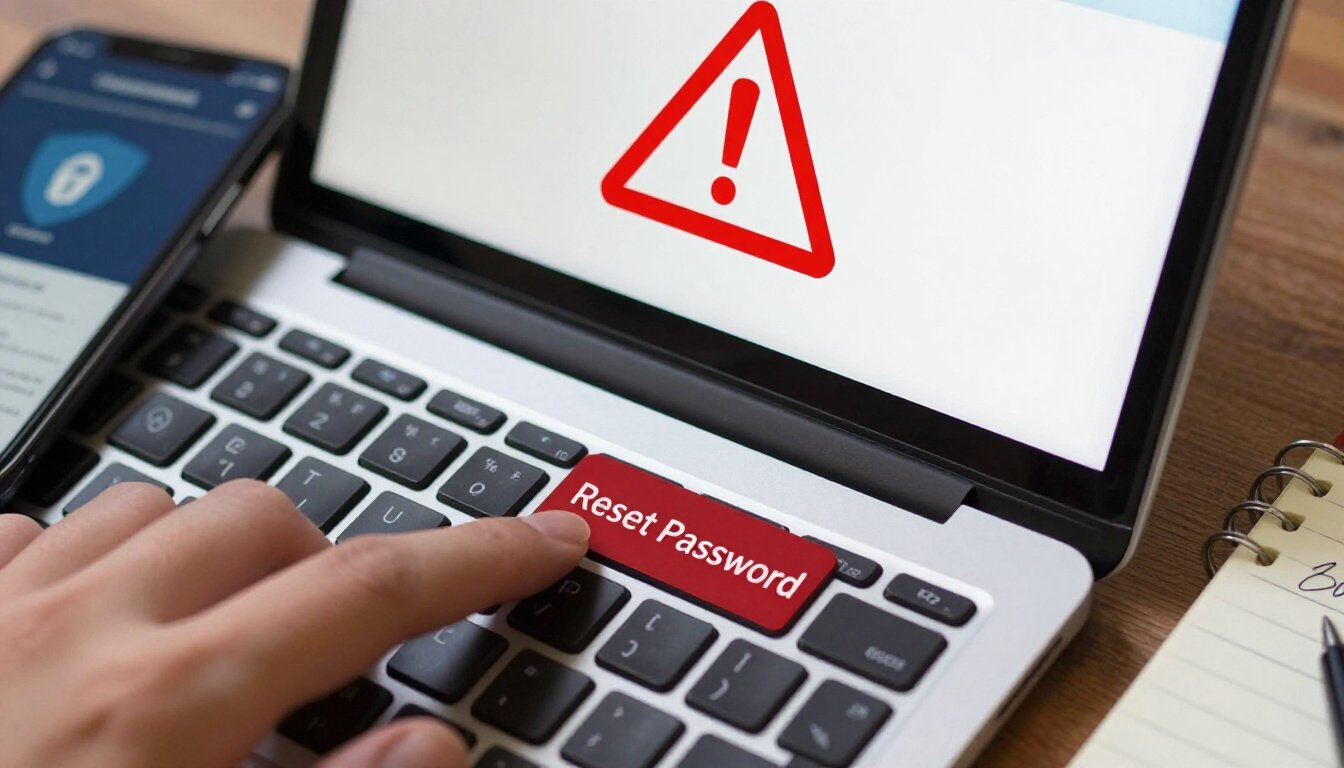
Resetting Your Password
So, your account’s been blocked. Frustrating, right? But before you throw your hands up in despair, consider this: resetting your password might just be the golden key to unlocking your account again. You see, when an account gets blocked, it could be due to suspicious activities that hint at unauthorized access. In such cases, a simple password reset can act as a powerful shield, reinforcing your account’s security.
Now, let’s get into the nitty-gritty. First things first, head over to the service provider’s website. Look for the “Forgot Password” or “Reset Password” option. It’s usually lurking around the login page. Click on it, and you’ll be prompted to enter your registered email address or username. This step is crucial because it’s like sending a beacon to the service provider saying, “Hey, it’s really me!”
Once you’ve done that, check your email. You should receive a password reset link. If it’s not in your inbox, don’t panic! Sometimes, these emails like to play hide-and-seek and end up in the spam folder. When you find the email, click on the link, and you’ll be directed to a page where you can create a new password. Here’s a tip: make it strong yet memorable. Use a mix of letters, numbers, and special characters. Think of it as building a fortress for your account.
But wait, there’s more! After resetting your password, try logging in again. If everything goes smoothly, congratulations! You’ve successfully regained access. However, if the block persists, don’t lose hope. This might indicate a deeper issue that needs further investigation. In such cases, contacting customer support, as discussed earlier, should be your next step.
In essence, resetting your password isn’t just a quick fix; it’s a proactive step towards safeguarding your digital identity. It’s like changing the locks on your house after losing the keys. While it might seem like a hassle, it’s a small price to pay for peace of mind. So, next time your account gets blocked, remember this simple yet effective strategy. It might just save you a lot of headaches down the line.
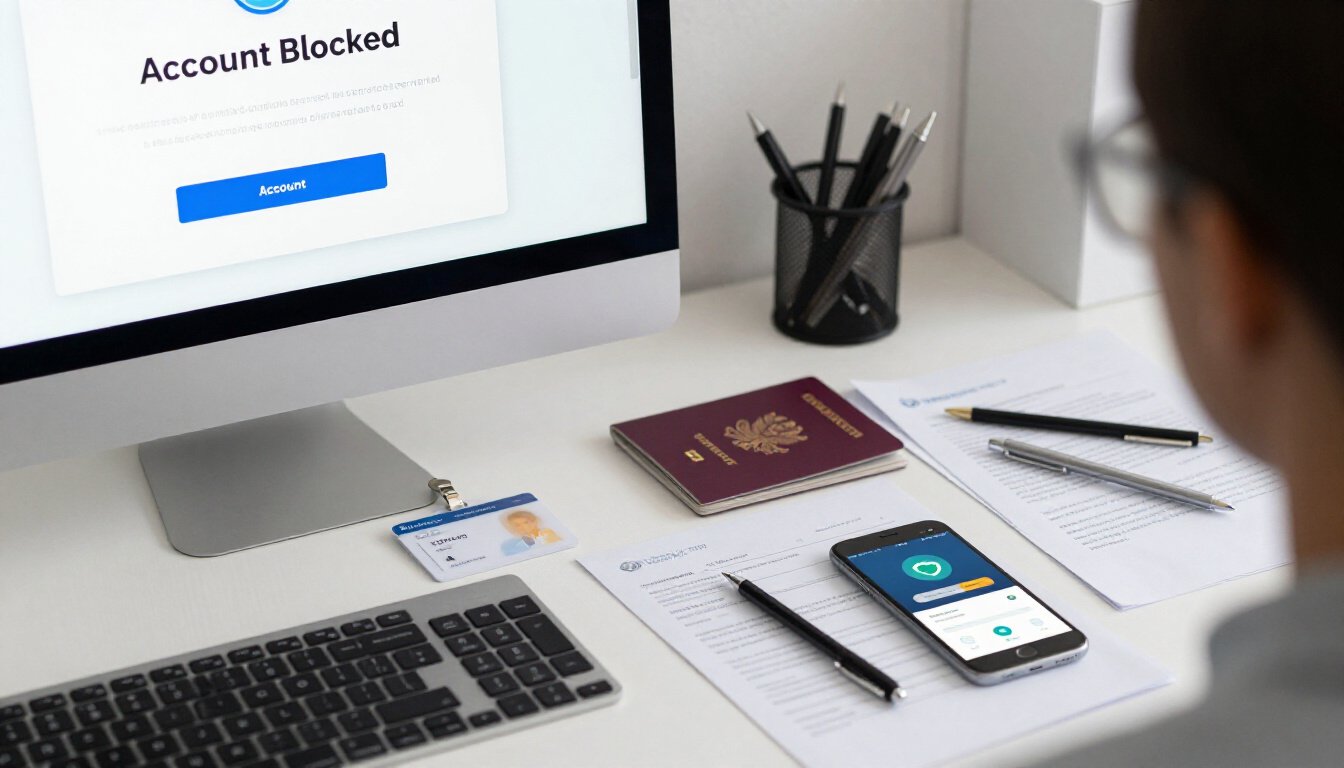
Verifying Your Identity
So, your account is blocked and you’re staring at the screen, wondering what to do next. One crucial step in regaining access is . This might sound like a daunting task, but it’s often simpler than you think. Service providers need to ensure that you are indeed the rightful owner of the account. It’s like proving you’re the owner of a lost wallet before someone hands it back to you.
First off, let’s talk about why this is important. Imagine if anyone could claim to be you and access your account. Scary, right? That’s why companies have these verification processes in place. They want to keep your information safe and sound. When you receive a notification about the block, it often includes instructions on verifying your identity. Pay close attention to these details, as they are your roadmap to unlocking your account.
Typically, you might be asked to provide some form of identification. This could be as simple as answering security questions or as complex as submitting a government-issued ID. It’s like showing your driver’s license to prove you’re old enough to drive. These steps are designed to protect your account from unauthorized access.
Now, here’s a little tip from personal experience: keep a record of all your correspondence with the service provider. This includes emails, chat logs, and any other communication. Having this information handy can be a lifesaver if you need to follow up or escalate the issue. Trust me, there’s nothing worse than scrambling to find an email when you’re already stressed about a blocked account.
Sometimes, the verification process might involve a two-step authentication where you receive a code on your registered phone number or email. This is like a secret handshake between you and the service provider, ensuring that only you can access your account. Make sure your contact information is up to date to avoid any hiccups during this process.
In some cases, you might be required to fill out a form or provide additional documentation. Think of it as a checklist that ensures you have everything in order. It’s always a good idea to double-check the requirements and gather all necessary documents before reaching out to support. Being prepared can significantly speed up the process.
Finally, remember that patience is key. Verifying your identity can sometimes take a bit of time, especially if the service provider has to manually review your information. But rest assured, once you’ve jumped through these hoops, you’re one step closer to regaining access to your account. And who knows, you might even learn a thing or two about account security along the way!
Exploring Alternative Recovery Options
So, your account is blocked, and you’re feeling a bit like a detective on a mission. Don’t worry; you’ve got this! When one door closes, another opens, right? It’s time to explore those alternative recovery options. These options can be your lifeline in regaining access to your account. Let’s dive in and see what you can do.
First off, let’s talk about security questions. Remember those quirky questions you answered when setting up your account? They might just save the day. If the service you’re using offers this option, head over to the recovery page and see if you can answer your security questions. It’s like playing a game of trivia with your past self. Answer correctly, and you might just find yourself back in the game.
Another option to consider is the recovery email. Did you link an alternative email address to your account? If so, check that inbox for any recovery instructions. The service provider might have sent you a link to reset your password or verify your identity. It’s like finding a secret map to your account’s treasure.
Now, let’s not forget about the phone number you might have registered. Some services offer the option to send a verification code to your phone. It’s a quick and efficient way to prove that you are indeed the rightful owner of the account. Just make sure your phone is charged and ready to receive that crucial text message.
For a more comprehensive view, here’s a handy table summarizing these alternative recovery options:
| Recovery Option | Description |
|---|---|
| Security Questions | Answer pre-set questions to verify identity. |
| Recovery Email | Use an alternative email to receive recovery instructions. |
| Phone Verification | Receive a verification code via SMS to confirm identity. |
In some cases, you might need to provide additional documentation to verify your identity. This could include uploading a copy of your ID or other relevant documents. While it might feel a bit invasive, remember that it’s all about ensuring your account’s security. It’s like proving your membership to an exclusive club.
Lastly, keep an eye out for any notifications from the service provider about new recovery methods. Technology is always evolving, and companies are constantly improving their security measures. You might find a new, more convenient option that wasn’t available before. Stay informed and ready to adapt.
In conclusion, exploring alternative recovery options is all about being resourceful and patient. It’s like piecing together a puzzle, and with each step, you’re getting closer to regaining access to your account. So, put on your detective hat, follow the clues, and you’ll be back in no time!
Preventing Future Blocks
Getting your account blocked can be a real headache. But don’t worry; there are steps you can take to avoid this happening again. It’s like putting a lock on your door to keep out intruders. You want to make sure your account is as secure as possible, so you don’t have to deal with the hassle of getting blocked.
First things first, let’s talk about passwords. They’re your first line of defense. Imagine your password as a key to your digital house. If it’s too simple, anyone can break in. Regularly updating your passwords can help keep the bad guys out. Make sure your password is strong and unique. Use a mix of letters, numbers, and symbols. Change it every few months to keep it fresh.
Another powerful tool in your security arsenal is two-factor authentication. Think of it as a security guard checking IDs at the door. Even if someone gets hold of your password, they won’t get far without the second piece of the puzzle. Enabling two-factor authentication adds an extra layer of security. It’s like having a second lock on your door, making it that much harder for intruders to get in.
Now, let’s dive into some best practices. Be cautious about where you log in from. Public Wi-Fi is like a crowded bus; you never know who’s watching. Avoid accessing sensitive accounts from public networks. If you have to, use a VPN to encrypt your data. It’s like putting on a cloak of invisibility, keeping your activities hidden from prying eyes.
Also, keep an eye on your account activity. Most services offer activity logs. It’s like your account’s diary, showing you where and when your account was accessed. Regularly check these logs to spot any suspicious activity. If something looks off, change your password immediately.
Finally, be wary of phishing attempts. Scammers are like digital pickpockets, trying to trick you into giving up your information. If you receive a suspicious email or message, don’t click on any links or provide any personal information. Verify the source first. It’s better to be safe than sorry.
In summary, preventing future blocks is all about being proactive. Regularly update your passwords, enable two-factor authentication, and stay vigilant. By taking these steps, you’re not just securing your account; you’re securing your digital life. It’s like building a fortress around your online presence, keeping it safe from unwanted visitors.
| Security Measure | Benefit |
|---|---|
| Regularly Updating Passwords | Prevents unauthorized access |
| Two-Factor Authentication | Adds an extra layer of security |
| Monitoring Account Activity | Detects suspicious behavior early |
| Avoiding Public Wi-Fi | Reduces risk of data interception |
Regularly Updating Passwords
Imagine your password as the key to your online kingdom. It’s a simple yet powerful tool that safeguards your digital treasures. But just like any key, it can wear out, get lost, or even fall into the wrong hands. That’s why regularly updating your passwords is crucial. It’s like changing the locks on your doors every so often, ensuring that only you have access.
Think of it this way: If you keep using the same password for years, it’s like leaving your front door open with a welcome sign. Cyber intruders are always on the lookout for such opportunities. By updating your passwords, you slam the door shut on these unwelcome guests. It’s a proactive step in keeping your account safe and sound.
How often should you update your passwords? Well, there’s no one-size-fits-all answer, but a good rule of thumb is every three to six months. This frequency strikes a balance between security and convenience. It’s like changing the oil in your car; you do it regularly to keep everything running smoothly.
When updating your passwords, aim for strength and uniqueness. A strong password is like a fortress—impenetrable and secure. Ensure it’s a mix of uppercase and lowercase letters, numbers, and special characters. Avoid using easily guessable information like birthdays or common words. Instead, think of a phrase or sentence and incorporate elements from it. For example, “I love chocolate ice cream!” could become “IlcIcream!2023”.
Don’t forget about your other accounts. It’s easy to focus on your primary email or social media, but remember that every account is a potential entry point for hackers. Make a list of all your accounts and update their passwords regularly. This practice is akin to checking all the locks in your house, not just the front door.
In our fast-paced world, it’s easy to overlook password updates. But just like brushing your teeth or locking your doors, it’s a small habit that can prevent big problems. So, set a reminder on your calendar, and take a moment to refresh those passwords. Your future self will thank you for it.
Enabling Two-Factor Authentication
Imagine your account as a treasure chest. You wouldn’t want just anyone to have the key, right? That’s where Two-Factor Authentication (2FA) comes into play. It’s like adding an extra lock to your chest, ensuring that only you can access your treasures. In today’s digital age, where security breaches are as common as rainy days, enabling 2FA is not just a smart choice—it’s essential.
So, how does it work? It’s simple, really. When you log in, you’ll need not only your password but also a second piece of information. This could be a code sent to your phone or an app-generated code. It’s like a secret handshake, something only you and your account know. This extra step might seem like a hassle, but think of it as a bouncer at a club, ensuring only the right people get in.
Here’s a quick look at how you can set it up:
| Step | Action |
|---|---|
| 1 | Log into your account settings. |
| 2 | Find the security options. |
| 3 | Enable Two-Factor Authentication. |
| 4 | Choose your preferred method (SMS, authentication app). |
| 5 | Follow the on-screen instructions to complete setup. |
Now, let’s talk about the benefits. By enabling 2FA, you’re putting a stop sign in front of potential intruders. Even if they somehow crack your password, they still need that second factor. It’s like having a backup plan for your backup plan. And in a world where cyber threats lurk around every corner, you can never be too careful.
But wait, there’s more! Enabling 2FA can also give you peace of mind. Knowing that your account has an extra layer of protection is like having a guard dog watching over your digital assets. You can sleep better at night, knowing that your personal information is safe and sound.
So, don’t wait until it’s too late. Go ahead and enable Two-Factor Authentication today. It’s a small step that makes a big difference. Remember, in the world of online security, it’s always better to be safe than sorry.
Frequently Asked Questions (The title must be written in English (US))
- Why was my account blocked?
Your account might have been blocked due to a violation of the service’s terms and conditions, suspicious activity, or security concerns. Always check your email or notifications for specific reasons provided by the service provider.
- How can I get my account unblocked?
First, review any communication from the service provider to understand the reason for the block. Then, contact customer support with the necessary information to resolve the issue. Be ready to verify your identity if required.
- What should I do if I can’t remember my password?
Consider resetting your password using the ‘Forgot Password’ option. Ensure you have access to your recovery email or phone number to receive the reset instructions.
- Is there a way to speed up the unblocking process?
Yes, utilizing live chat support can provide quicker responses and real-time assistance. Ensure you have all the necessary account details ready to streamline the process.
- What information do I need when contacting customer support?
Gather relevant account details, such as your username, email address, and any correspondence regarding the block. This will help customer support assist you more efficiently.
- How can I prevent my account from being blocked again?
To prevent future blocks, regularly update your passwords and enable two-factor authentication for enhanced security. Avoid any activities that violate the service’s terms and conditions.
- What are alternative recovery options if I can’t reset my password?
Explore other recovery options provided by the service, such as answering security questions or using a recovery email. These can help regain access to your account if the password reset isn’t possible.









