In today’s digital age, our personal information is scattered across countless websites and applications. It’s like leaving breadcrumbs all over the internet. While these accounts can be convenient, they also pose significant risks to our privacy and security. This guide explores the essential steps and considerations when deleting online accounts and ensuring the complete removal of personal data, offering a comprehensive approach to digital privacy and security.
Account deletion is crucial for protecting personal information and reducing digital footprints. Imagine leaving your front door open for anyone to walk in. That’s what it’s like when you leave old accounts active. By minimizing the risk of data breaches and unauthorized data usage, you take control of your digital life. It’s about peace of mind, knowing that your personal information isn’t floating around for anyone to misuse.
Before you hit that delete button, there are a few things you need to do. It’s like packing your bags before moving out of a house. You want to make sure you have everything you need and understand what you’re leaving behind.
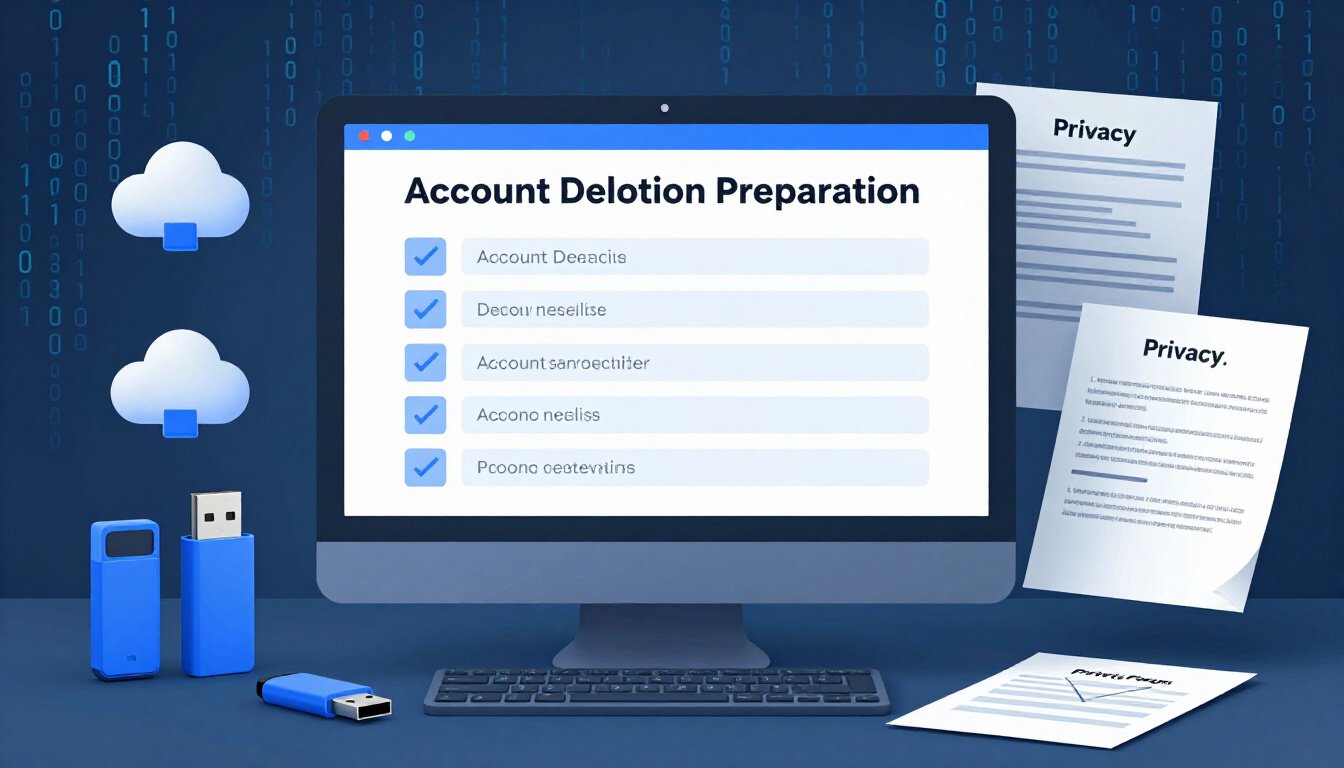
First things first, ensure you save essential files, contacts, and information before proceeding with account deletion. Think of it as packing up your valuables before a big move. You wouldn’t want to lose anything important. Consider using cloud storage or an external hard drive to keep your data safe. This way, you prevent data loss and have everything you need at your fingertips.
Next, take a close look at your privacy settings. It’s like checking the locks on your doors and windows. Examine and adjust your privacy settings to control what data is shared and ensure compliance with your privacy preferences. This step is crucial because it helps you understand what information you’re giving away and allows you to tighten security where needed.
Now, let’s get into the nitty-gritty of deleting accounts on major platforms. Each platform has its own quirks, like different types of locks on doors. Here’s how you can ensure a thorough removal process.
To permanently delete your Facebook account, navigate to your account settings. It’s like finding the key to your front door. Go to “Your Facebook Information” and select “Delete Your Account and Information.” Follow the prompts, and remember, once it’s gone, it’s gone. Deleting your account means all your data, photos, and posts will be removed. It’s a clean slate.
Deleting your Google account is a bit like shutting down an entire ecosystem. Head to your Google Account settings and select “Data & Personalization.” From there, click “Delete a service or your account.” Follow the instructions carefully, as this will affect services like Gmail and Google Drive. It’s a big step, but sometimes necessary for complete privacy.
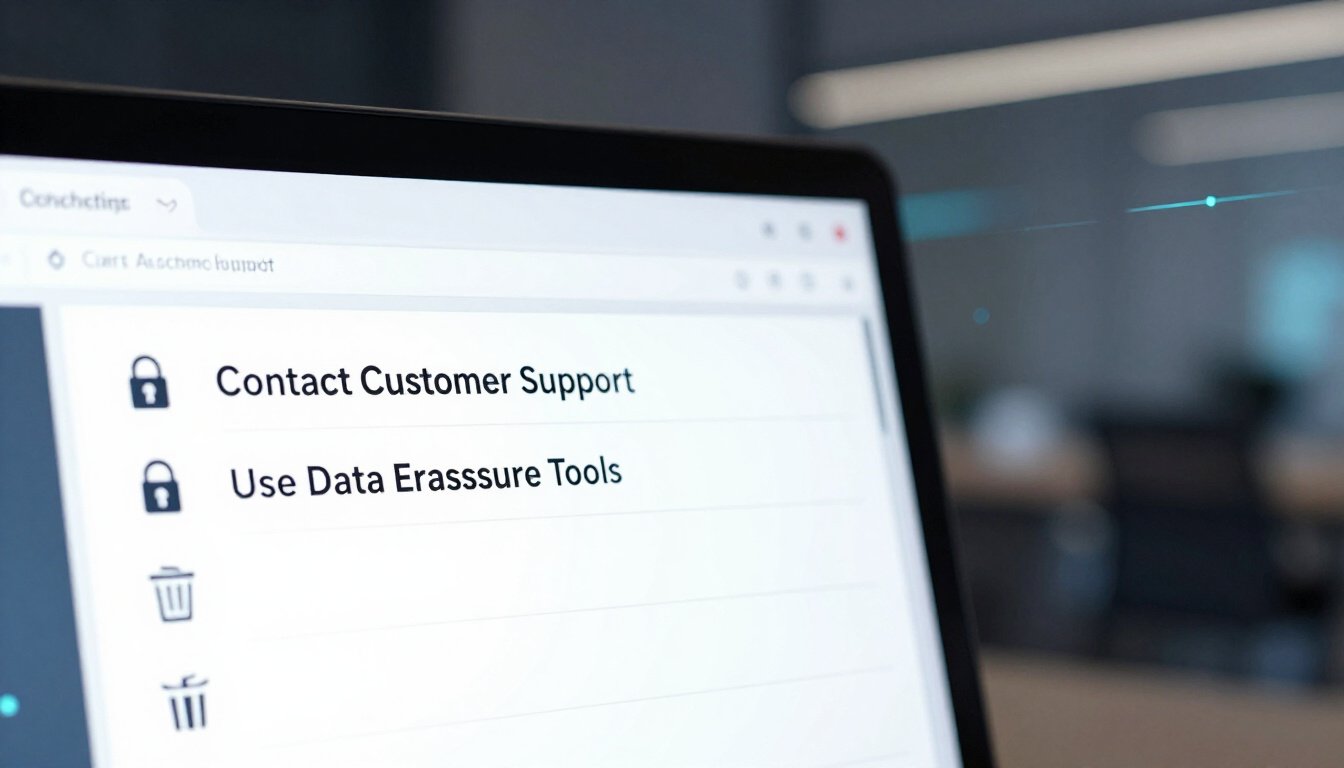
Finally, let’s ensure all your personal data is thoroughly removed. It’s like doing a final sweep of the house before handing over the keys. Explore methods such as contacting customer support for assistance. Sometimes, a personal touch is needed to ensure everything is done right. Additionally, consider using specialized tools for data erasure. These tools act like a security system, ensuring no trace of your data is left behind.
Understanding the Importance of Account Deletion
In today’s digital age, where our lives are intricately woven into the web, the significance of account deletion cannot be overstated. Think of it as spring cleaning for your online presence. Just like you wouldn’t want to leave your personal belongings scattered around a public park, leaving inactive or unnecessary accounts open can expose you to a myriad of risks. From data breaches to unauthorized data usage, the dangers are real and ever-present.
Why should you care about deleting old accounts? Well, every online account you create is a potential gateway for hackers. It’s like leaving the door to your house wide open. By deleting accounts you no longer use, you effectively reduce your digital footprint. This means fewer entry points for cybercriminals and a lower risk of your personal information falling into the wrong hands.
Moreover, account deletion is a proactive step towards maintaining your digital privacy. With the increasing number of cyber threats, protecting your personal information has never been more crucial. Consider it a layer of armor in the battle against data theft. By minimizing your online presence, you’re not only safeguarding your data but also taking control of what information is available about you online.
But wait, there’s more! Deleting accounts can also help declutter your digital life. Imagine your online accounts as a garden. Over time, weeds can grow, and without regular maintenance, they can overshadow the beautiful flowers. Similarly, unused accounts can clutter your digital space, making it harder to manage the ones that truly matter. By pruning these digital weeds, you can focus on nurturing the accounts that are essential to you.
In essence, understanding the importance of account deletion is about taking charge of your online identity. It’s about being vigilant and proactive in a world where data is the new currency. So, next time you find yourself wondering whether to delete an old account, remember: it’s not just about cleaning up; it’s about protecting and empowering yourself in the digital realm.
Steps to Prepare for Account Deletion
In today’s digital age, our lives are intertwined with numerous online platforms. From social media to cloud services, these accounts hold a treasure trove of personal information. But what happens when you decide it’s time to cut ties? Before you hit that ‘delete’ button, there are a few crucial steps you should take to ensure a smooth transition and safeguard your data. Let’s dive into what you need to do to prepare for account deletion.
First and foremost, think of your account as a digital vault. Inside, you have valuable data, contacts, and memories. Before you decide to close the door forever, make sure you’ve backed up everything you need. This includes photos, important emails, and even those quirky chat conversations with friends. Imagine it as packing up your belongings before moving out of a house. You wouldn’t leave behind your favorite book, would you?
Once you’ve ensured that all essential data is safely stored, it’s time to take a closer look at your privacy settings. Often, we overlook the amount of information we share online. By reviewing and adjusting these settings, you can control what data is visible and what remains private. It’s like deciding who gets a key to your house. You want to make sure only the right people have access.
Understanding the implications of data removal is another critical step. Deleting an account isn’t just about saying goodbye to a service; it’s about understanding what happens to your data after you leave. Some platforms may retain certain information even after deletion, while others might erase everything immediately. It’s essential to read through the platform’s data retention policy. Think of it as reading the terms and conditions before signing a contract. You want to know exactly what you’re getting into.
Here’s a simple table to help you keep track of what to do before deleting an account:
| Step | Description |
|---|---|
| Backup Data | Save all important files, photos, and contacts. |
| Review Privacy Settings | Adjust settings to control data visibility and sharing. |
| Understand Data Retention | Read the platform’s policy on data retention post-deletion. |
Finally, consider the emotional aspect of account deletion. It might sound trivial, but saying goodbye to a platform you’ve used for years can be a bit like parting with an old friend. Take a moment to reflect on why you’re deleting the account and what you hope to achieve. Whether it’s for privacy reasons or a desire to declutter your digital life, acknowledging your motivations can make the process feel more intentional and less daunting.
In conclusion, preparing for account deletion isn’t just about clicking a button. It’s a thoughtful process that involves safeguarding your data, understanding privacy implications, and reflecting on your digital journey. By taking these steps, you ensure a seamless transition and protect your digital footprint. So, before you bid farewell to any platform, make sure you’re fully prepared for the journey ahead.
Backing Up Important Data
Account deletion is crucial for protecting personal information and reducing digital footprints, minimizing the risk of data breaches and unauthorized data usage.
Before you hit that delete button, it’s vital to ensure that all your important data is safely backed up. Why? Because once your account is gone, so is the data. Forever. Imagine losing years of memories, important contacts, or crucial documents. It’s a digital nightmare you want to avoid. So, let’s talk about how to prevent that.
First things first, identify what data you need to save. This might include photos, videos, contacts, and any important documents. Think of it like packing for a big move. You wouldn’t leave behind your favorite book or that comfy sweater, right? Similarly, don’t leave behind digital treasures.
Once you’ve identified what needs saving, choose a method to back it up. You have options here. You can use external hard drives, which are like digital vaults, or cloud storage services, which act like a digital safety net. Both have their perks. External drives offer physical control, while cloud services provide accessibility from anywhere.
Here’s a quick comparison to help you decide:
| Backup Method | Advantages | Disadvantages |
|---|---|---|
| External Hard Drive | Physical control, no internet needed | Can be lost or damaged |
| Cloud Storage | Accessible anywhere, automatic backups | Requires internet, potential security risks |
After selecting your backup method, it’s time to get down to business. Start transferring your data. If you’re using an external drive, connect it to your device and begin copying files. For cloud storage, upload your files to the service of your choice. Most platforms offer user-friendly interfaces, making it a breeze.
Remember, this isn’t a one-and-done task. Make it a habit to regularly back up your data. Think of it like brushing your teeth. Regular maintenance prevents bigger problems down the road. Plus, it gives you peace of mind knowing your digital life is secure.
In conclusion, backing up your important data is a crucial step before deleting any account. It ensures that your digital memories and essential information are preserved, no matter what. So, take the time to back up now, and thank yourself later.
Reviewing Privacy Settings
Have you ever thought about what happens with your personal data when you sign up for an online service? It’s like leaving a digital breadcrumb trail everywhere you go. Reviewing your privacy settings is crucial. It’s like putting on a raincoat before stepping out into a storm. You want to be protected from the unexpected downpour of data breaches and unauthorized usage.
First things first, take a deep breath and dive into those privacy settings. They might seem like a maze, but trust me, it’s worth the effort. Start by checking what information is visible to others. Is your profile picture public? Can anyone see your email address? Adjust these settings to match your comfort level. It’s like deciding who gets to peek into your diary.
Next, look at the permissions you’ve granted. Many apps and websites ask for access to your contacts, location, and even your camera. Do they really need all that? Probably not. So, take a moment to revoke unnecessary permissions. It’s like cleaning out your closet and getting rid of clothes you never wear.
Also, be wary of third-party apps. They often have their own privacy policies, which might not align with yours. It’s like inviting someone to your party and realizing they brought uninvited guests. Make sure you know who has access to your data and why.
If you’re feeling overwhelmed, don’t worry. Many platforms offer privacy checkup tools. These are like personal trainers for your online security, guiding you through the process step-by-step. Use them to ensure your settings reflect your privacy preferences.
Finally, remember that privacy settings are not a one-time thing. They require regular check-ups. Think of it like going to the dentist. You wouldn’t skip your appointments, right? Regularly review and update your settings to ensure your digital footprint is as small as possible.
How to Delete Accounts on Popular Platforms
This guide explores the essential steps and considerations when deleting online accounts and ensuring the complete removal of personal data, offering a comprehensive approach to digital privacy and security.
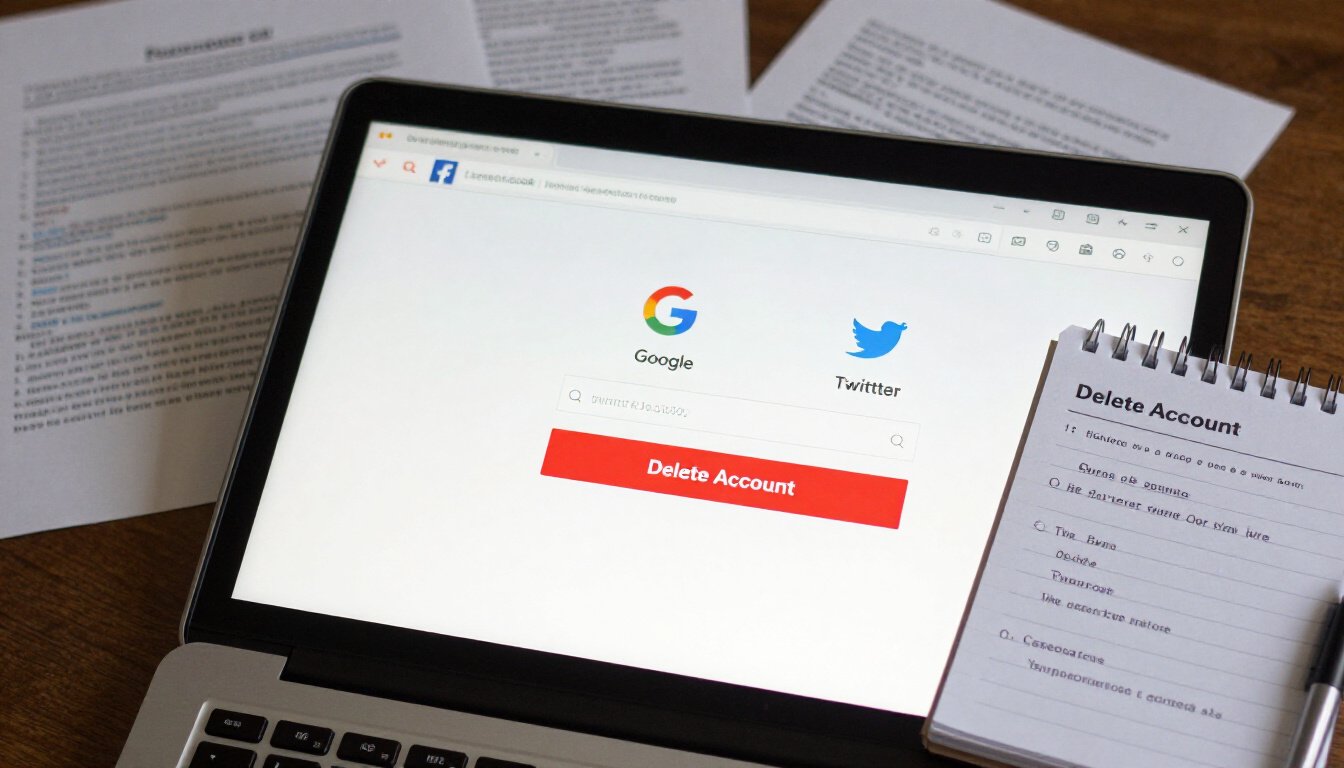
In today’s digital world, your online presence is like a digital shadow. It follows you everywhere, and sometimes, you just want to step out of the spotlight. Deleting accounts on popular platforms is a crucial step in reclaiming your privacy. But how do you actually go about it? Let’s dive into the nitty-gritty of account deletion on some of the most commonly used platforms like Facebook, Google, and Twitter.
First up, let’s talk about Facebook. This social media giant has been around for a while, and many of us have accumulated years of data on it. To delete your Facebook account, you need to navigate to the settings page. Once there, find the option for “Your Facebook Information” and click on “Deactivation and Deletion.” You can choose to deactivate your account temporarily or permanently delete it. If you opt for deletion, Facebook gives you a grace period in case you change your mind. But be warned, once it’s gone, it’s gone for good. All those photos, posts, and memories will be history.
Next, let’s tackle Google. Deleting a Google account is a bit more complex because it’s tied to so many services. We’re talking Gmail, Google Drive, Google Photos, and more. To start, go to your Google Account settings. Under “Data & Personalization,” you’ll find the option to “Delete a service or your account.” This is where you can remove individual services or the entire account. Just remember, deleting your Google account means losing access to all associated services. So, it’s wise to back up any important data before pulling the plug.
Lastly, let’s not forget about Twitter. This platform is where many of us go to voice our thoughts in 280 characters or less. To delete your Twitter account, head over to the settings and privacy section. Scroll down to the “Your Account” tab and select “Deactivate your account.” Twitter gives you a 30-day window to reactivate it if you have second thoughts. Once the 30 days are up, your account is permanently deleted, and your tweets will vanish into the digital ether.
Deleting accounts on these platforms might seem like a daunting task, but it’s a necessary step in protecting your digital privacy. It’s like spring cleaning for your online life. Just remember to back up any important data and be sure of your decision before hitting that delete button. After all, once it’s gone, there’s no turning back. So, take a deep breath, and embrace the freedom of a lighter digital footprint.
Deleting a Facebook Account
Ever thought about hitting the delete button on your Facebook account? It’s like deciding to clean out that cluttered closet you’ve been avoiding for years. But before you make that leap, let’s talk about what it really means to say goodbye to Facebook. Deleting your account is a big deal, and it’s not just about clicking a few buttons and poof, you’re gone. It’s about taking control of your digital life and ensuring your personal data doesn’t linger in cyberspace.
First off, let’s make sure you understand what deleting your Facebook account entails. When you delete your account, it’s not just a temporary deactivation. It’s permanent. Your photos, posts, and all the memories you’ve shared on the platform will be gone for good. Are you ready for that? If not, you might want to consider deactivating your account instead. Deactivation is like putting your account on pause. Your data is still there, waiting for you if you decide to come back.
But if you’re sure about deleting, here’s how you do it. First, log in to your Facebook account. Then, head over to the settings menu, which you can find by clicking on the downward arrow at the top right corner of your homepage. From there, navigate to the “Your Facebook Information” section. It’s like the treasure map leading you to the delete button. Once there, click on “Deactivation and Deletion.” You’ll see two options: deactivate or delete. Choose “Delete Account” and follow the prompts.
Now, here’s a pro tip: before you hit that final delete button, make sure you’ve backed up any important data. Facebook allows you to download a copy of your information, including photos, posts, and even messages. This way, you won’t lose those precious digital memories. Just go to the “Download Your Information” section in settings and select what you want to keep.
Once you’ve hit delete, Facebook gives you a 30-day grace period. It’s like that moment when you throw something away but realize you might need it later. During this time, you can change your mind and cancel the deletion. After 30 days, your account and all your data will be permanently erased. It’s a one-way ticket, so make sure you’re certain before you go through with it.
Deleting your Facebook account can feel like a breath of fresh air. It’s an opportunity to take back control over your personal data and reduce your digital footprint. But remember, once it’s done, there’s no going back. So, weigh your options, back up your data, and make the choice that’s right for you. In the end, it’s all about finding the balance between staying connected and protecting your privacy.
Removing Your Google Account
So, you’re thinking about deleting your Google account? Well, you’re not alone. Many people are becoming more conscious of their digital footprint and the data they leave behind. But before you rush into anything, let’s have a little chat about what this really means. Deleting your Google account is like shutting the door on a room filled with your digital memories. It’s a big step, and it requires some careful consideration.
First things first, have you ever stopped to think about everything that’s tied to your Google account? We’re talking about more than just your email. There’s Google Drive, Google Photos, YouTube, and so much more. It’s like a digital spider web, and pulling one thread can unravel a lot. So, it’s crucial to back up any important data. You don’t want to lose those precious photos from last summer’s vacation or that important document you worked so hard on, do you?
Now, let’s get into the nitty-gritty of actually removing your account. Google has made it relatively straightforward, but there are a few steps you need to follow. Head over to your Google Account settings. You’ll find an option there to delete your account. But here’s the catch: once you confirm, there’s no going back. It’s like pressing the big red button. Everything associated with your account will be gone. Forever. So, take a deep breath and make sure this is really what you want.
Oh, and don’t forget about those subscriptions and services tied to your Google account. If you’re using Google Play for apps or have a YouTube Premium subscription, you’ll need to cancel those separately. It’s a bit like moving out of a house; you need to tie up all those loose ends before you leave. Otherwise, you might end up with unexpected charges or, worse, losing access to something you still need.
Once you’ve taken care of all that, it’s time to say goodbye. Click that delete button and follow the prompts. Google will ask you to verify your choice, so there’s no accidental deletion. It’s their way of saying, “Are you sure about this?” And if you are, then go ahead. You’ve done your homework, and now it’s time to move on.
In conclusion, removing your Google account is a significant decision. It’s not just about deleting an email address; it’s about taking control of your digital identity. So, take your time, back up your data, and make sure you’re ready for what comes next. After all, once it’s gone, it’s gone for good.
Ensuring Complete Data Removal
When it comes to protecting your digital privacy, simply deleting an account often isn’t enough. Imagine sweeping the floor but leaving dirt in the corners. That’s what incomplete data removal feels like. To truly ensure your personal information is wiped clean, you need to go the extra mile. But how do you do that? Let’s dive into the details.
First, it’s crucial to understand that some platforms may retain your data even after you’ve deleted your account. This is where contacting customer support becomes a valuable tool. By reaching out directly, you can request confirmation that all your data has been erased from their servers. It’s like asking for a receipt after purchasing peace of mind. Be polite but firm in your request, and don’t hesitate to follow up if you don’t receive a timely response.
In addition to direct communication, utilizing specialized tools for data erasure can be a game-changer. Think of these tools as the vacuum cleaners of the digital world, sucking up any remnants of your personal information. Some tools are designed to target specific types of data, while others offer a more comprehensive sweep. It’s wise to do a bit of research to find the tool that best suits your needs.
For those who are particularly tech-savvy, manual data deletion is another option. This involves going through each service you’ve used and methodically removing data. It can be time-consuming, but for those who want to leave no stone unturned, it’s an effective method. Consider creating a checklist to keep track of which services you’ve tackled. Here’s a simple example:
| Service | Status |
|---|---|
| Social Media | Data Erased |
| Email Accounts | Pending |
| Online Shopping | Data Erased |
Lastly, don’t underestimate the power of staying informed. Privacy policies and data retention practices can change, so keeping an eye on updates from the services you use is essential. It’s like keeping up with the news to ensure you’re always in the loop about how your data is being handled.
In conclusion, ensuring complete data removal is not just about clicking ‘delete’ and moving on. It’s about taking proactive steps to safeguard your personal information. By contacting support, using specialized tools, manually deleting data, and staying informed, you can achieve a clean digital slate. After all, in the digital age, peace of mind is priceless.
Frequently Asked Questions (The title must be written in English (US))
- Why is it important to delete unused accounts?
It’s like spring cleaning for your digital life! Deleting unused accounts helps protect your personal information and reduces your digital footprint. This minimizes the risk of data breaches and unauthorized data usage. Think of it as locking the doors to your digital house when you’re not home.
- What should I do before deleting an account?
Before you hit that delete button, make sure to back up any important data. You don’t want to lose those precious memories or crucial documents. Also, take a moment to review your privacy settings. It’s like doing a final walkthrough before moving out of your digital apartment.
- How can I back up my data effectively?
Backing up data is like making a copy of your favorite book; you want it safe and sound. Use cloud storage services or external drives to save essential files, contacts, and information. This ensures you have access to your data even after the account is gone.
- What are the steps to delete a Facebook account?
Deleting a Facebook account is like breaking up with a clingy ex. Navigate to your settings, select “Your Facebook Information,” and choose “Deactivation and Deletion.” Follow the prompts to permanently delete your account. Remember, this action is irreversible, so be sure!
- Will deleting my Google account affect other services?
Yes, it’s like pulling a thread from a sweater; everything’s connected. Deleting your Google account will impact services like Gmail, Google Drive, and YouTube. Make sure to download important data and consider how this will affect your daily digital activities.
- How can I ensure complete data removal?
To ensure your data is completely removed, consider contacting customer support for confirmation. You might also want to use specialized tools for data erasure. It’s like hiring a professional cleaner to ensure every nook and cranny is spotless.
- Can I recover my account after deletion?
Once an account is deleted, it’s usually gone for good, like a balloon released into the sky. Some platforms offer a grace period for recovery, but don’t count on it. Always double-check before making the final decision.
- Are there any tools to help with account deletion?
Yes, there are several tools out there designed to help streamline the account deletion process. These tools act like a digital concierge, guiding you through the steps and ensuring nothing is left behind. Just be sure to choose a reputable one!









