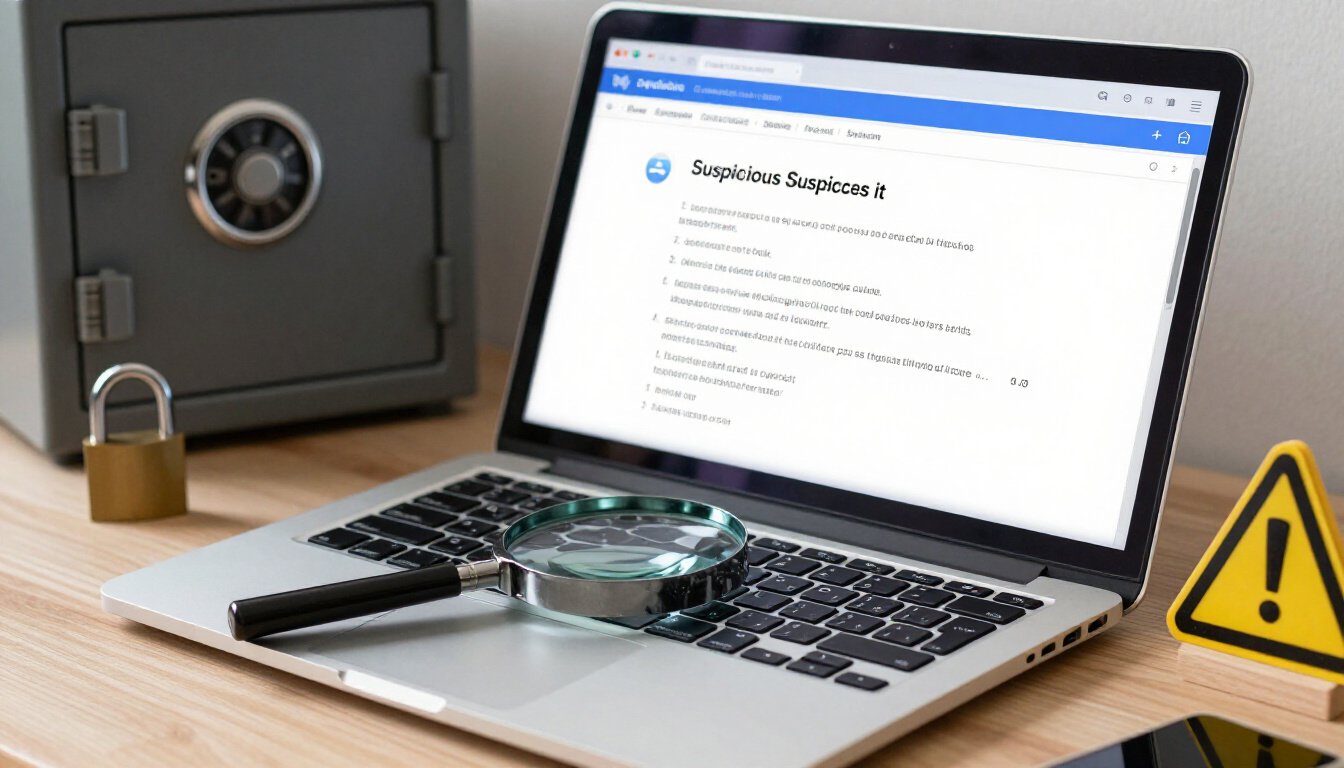
Understanding phishing emails and scams is crucial for protecting personal and financial information online. This guide provides essential tips to identify and avoid falling victim to these malicious schemes. In today’s digital age, where our lives are intertwined with the internet, safeguarding our sensitive information is more important than ever. Phishing, a cunning cybercrime, is designed to trick you into revealing your confidential data. But fear not, because by the end of this article, you’ll be equipped with the knowledge to spot these scams from a mile away.
Phishing is a cybercrime technique where attackers disguise as trustworthy entities to steal sensitive information. It’s like a wolf in sheep’s clothing, lurking in your inbox, waiting to pounce. These attackers often pose as reputable organizations, such as banks or online services, to lure you into their trap. Recognizing the signs of phishing can help prevent unauthorized access to your data, keeping your personal and financial information safe from prying eyes.
Phishing emails often share common traits, such as urgent language, unfamiliar sender addresses, and suspicious links. These are the breadcrumbs that lead to the scammer’s lair. Being aware of these characteristics is key to identifying potential threats. It’s like having a sixth sense that tingles when something doesn’t quite add up. Let’s dive into these traits and learn how to spot them.
Phishing emails frequently use urgent language or threats to create panic and prompt immediate action. Imagine a fire alarm blaring in your inbox, demanding your attention. This tactic is designed to bypass your rational thinking and push you into a hasty decision. But remember, staying calm is your best defense. Understanding this tactic can help you remain calm and scrutinize the message.
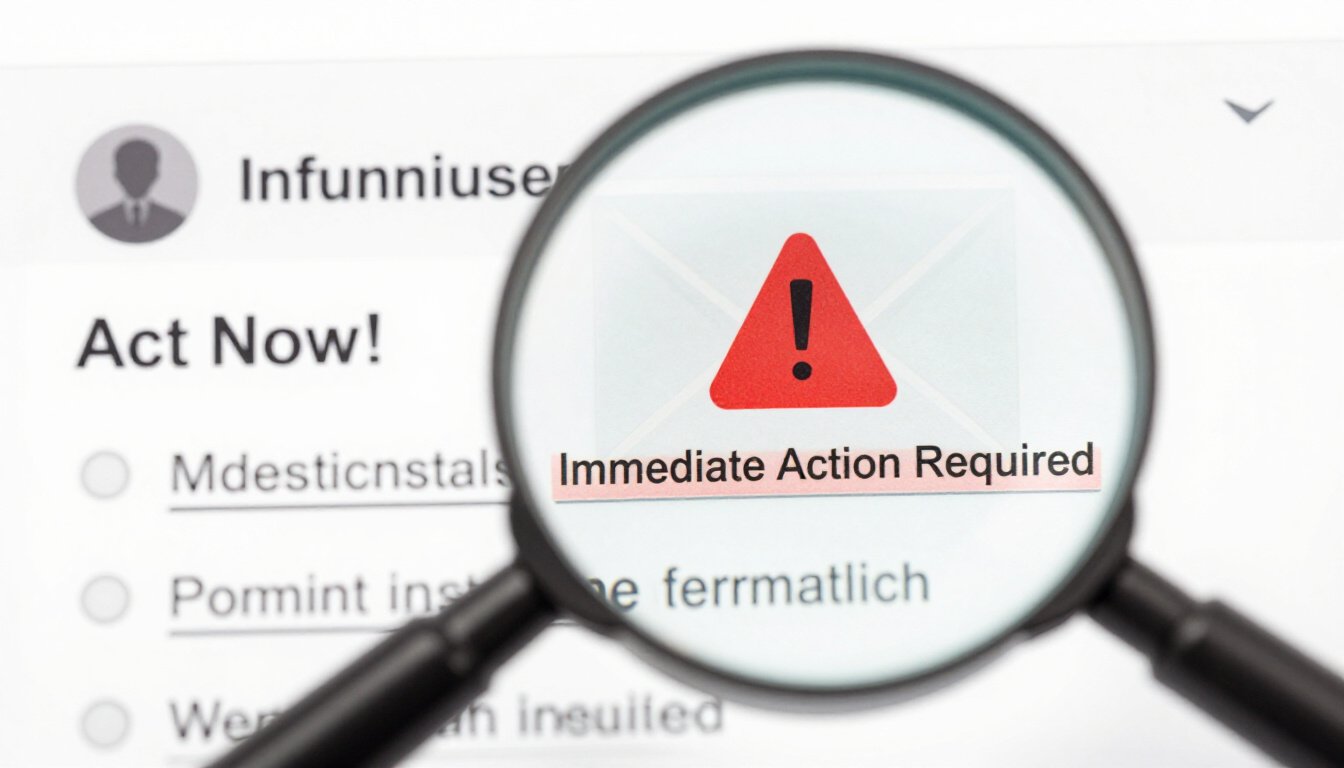
Recognizing phrases like immediate action required or account suspended can indicate phishing. These expressions aim to pressure recipients into making hasty decisions. It’s like a salesman knocking on your door, insisting you buy something you don’t need. Don’t fall for it. Take a step back and assess the situation.
Threatening emails may claim account closure or legal action. It’s like receiving a letter from a fake lawyer threatening to sue you. Identifying these scare tactics is crucial for discerning legitimate communication from scams. Remember, legitimate organizations don’t resort to threats. If it feels like a threat, it’s probably a scam.
Phishing emails often contain links or attachments designed to steal information. It’s like a trapdoor hidden beneath a welcome mat. Verifying the legitimacy of these elements can prevent accidental exposure to malware. Always hover over links to see where they lead and be cautious of unexpected attachments. It’s better to be safe than sorry.
Verifying email authenticity involves checking sender details, scrutinizing URLs, and confirming with the purported sender through official channels. These steps can help validate the legitimacy of an email. Think of it as a detective’s toolkit, helping you uncover the truth behind the mask.
Examining the sender’s email address and domain can reveal inconsistencies. Phishing emails often use addresses that mimic legitimate organizations, so attention to detail is crucial. It’s like spotting a counterfeit bill by noticing the off-color ink. Stay vigilant and trust your instincts.
What is Phishing?
Phishing is like a wolf in sheep’s clothing in the digital world. It’s a sneaky cybercrime technique where attackers disguise themselves as trustworthy entities to steal your sensitive information. Imagine getting an email from what looks like your bank, urging you to verify your account details. Sounds legit, right? But that’s where the danger lies. These cyber crooks are masters of disguise, and recognizing their tricks can help you keep your data safe.
At its core, phishing is about deception. The attackers craft emails, messages, or even websites that look eerily similar to those from legitimate organizations. Their goal? To trick you into handing over sensitive information like passwords, credit card numbers, or even your Social Security number. It’s like a digital con game, and the stakes are high. But don’t worry, there are ways to spot these scams and protect yourself.
Phishing isn’t just limited to emails. It can pop up in text messages, social media, or even phone calls. Ever received a text from an unknown number claiming there’s a problem with your account? That’s phishing, too. The key is to recognize the signs and stay one step ahead. So, how can you tell if you’re being phished? It’s all about being aware of the tactics these scammers use.
One common tactic is creating a sense of urgency. Phishing emails often use urgent language or threats to make you panic and act without thinking. They might say your account will be suspended if you don’t respond immediately. It’s like someone yelling “fire” in a crowded theater. The goal is to make you react quickly, without questioning the authenticity of the message.
Another red flag is suspicious links or attachments. These are often designed to install malware on your device or direct you to a fake website that looks real but is actually a trap. Before clicking any link or downloading an attachment, take a moment to verify its legitimacy. Hover over links to see where they lead, and be wary of any attachment you weren’t expecting.
In the end, the best defense against phishing is vigilance. Always double-check the sender’s details, scrutinize URLs, and when in doubt, contact the organization directly using official channels. It’s like having a digital armor that keeps you safe from the deceitful tactics of these cybercriminals. Remember, in the world of phishing, knowledge is power.
Common Characteristics of Phishing Emails
Understanding phishing emails and scams is crucial for protecting personal and financial information online. This guide provides essential tips to identify and avoid falling victim to these malicious schemes.
Phishing emails are like digital wolves in sheep’s clothing. They often share certain traits that make them stand out, if you know what to look for. These emails are crafted to trick you, using urgent language, unfamiliar sender addresses, and suspicious links. Recognizing these red flags can help you stay safe in the wild world of the internet.
One of the most common tactics used in phishing emails is the use of urgent language. They want you to feel like you’re in a race against time. Imagine getting an email that screams “Immediate action required!” or “Account suspended!” It’s like a fire alarm going off in your inbox, designed to make you panic. But here’s the trick: staying calm is your best defense. When you see these phrases, take a deep breath and think twice before clicking anything.
Another hallmark of phishing emails is the use of threats. These emails might warn you about account closure or even legal action. It’s like getting a letter from a fake lawyer demanding money. The goal is to scare you into compliance. But remember, legitimate companies don’t operate like that. They don’t threaten their customers. If you receive such an email, it’s time to put on your detective hat and scrutinize it closely.
Let’s talk about suspicious links and attachments. Phishing emails love to include these. They might look like a harmless link or a useful attachment, but clicking them can lead to a world of trouble. It’s like opening a beautifully wrapped gift only to find a nasty surprise inside. Always hover over links to see where they really lead, and be wary of downloading attachments from unknown sources.
To make things clearer, here’s a quick rundown of what to watch out for:
- Urgent language that demands immediate action.
- Threats of account suspension or legal action.
- Suspicious links that don’t match the sender’s domain.
- Attachments from unknown sources.
By keeping an eye out for these characteristics, you can avoid falling into the phishing trap. It’s like having a sixth sense for spotting danger. Remember, when it comes to your personal information, it’s better to be safe than sorry. Stay vigilant, and don’t let the phishers reel you in!
Urgent Language and Threats
Phishing emails are like wolves in sheep’s clothing. They often use urgent language to create a sense of panic. Why? Because when you’re panicked, you’re more likely to make a mistake. These emails might scream at you with phrases like “Immediate action required!” or “Your account has been suspended!” It’s like they’re trying to light a fire under you, pushing you to act without thinking. But the key is to take a deep breath and analyze the situation.
Imagine getting an email that says your bank account will be closed if you don’t respond immediately. Sounds scary, right? That’s exactly what these scammers want you to feel. They use threats to make you feel like you’re in hot water. But remember, legitimate organizations won’t threaten you like that. They value their customers and will communicate issues in a calm and professional manner.
Let’s break it down with a simple analogy. Think of a phishing email as a wolf trying to huff and puff to blow your house down. The urgent language is the wolf’s breath, trying to knock down your defenses. But if you recognize the signs and stay calm, you can keep your house standing strong. The trick is to not let the wolf’s breath, or in this case, the email’s threats, make you act rashly.
Here’s a quick tip: If an email makes you feel anxious or pressured, it’s a red flag. Legitimate companies won’t pressure you to act immediately. They’ll give you time to think and verify the information. Always double-check before clicking links or providing any personal information. Stay vigilant, and don’t let the wolves of the internet blow your house down.
Examples of Urgent Language
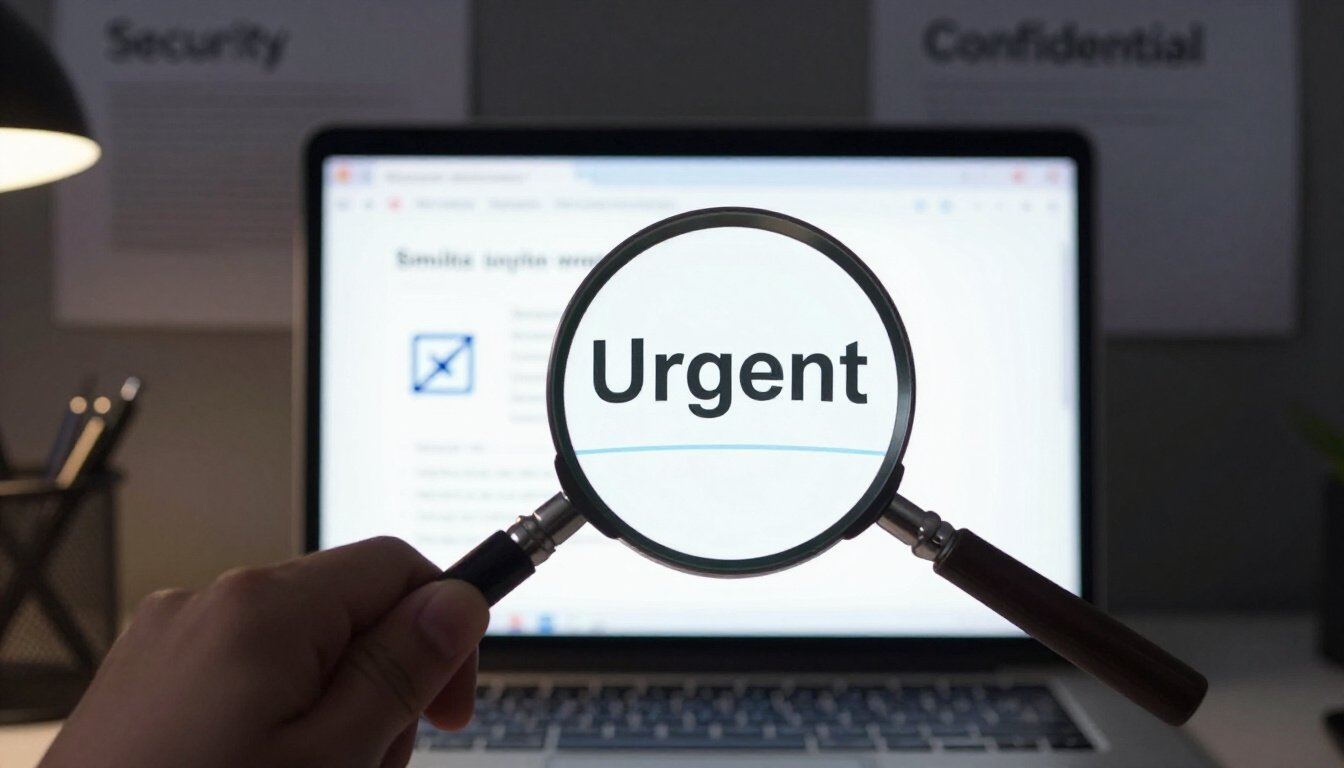
Ever gotten an email that made your heart race? Like when you see those dreaded words: immediate action required or account suspended? Yeah, we’ve all been there. It’s like a fire alarm going off in your inbox. Phishing emails are notorious for using such urgent language to create a sense of panic. They want you to act fast, without thinking. But let’s slow down and dissect what these emails are really trying to do.
Imagine getting an email from your bank saying, “Your account will be closed in 24 hours unless you verify your information.” Sounds scary, right? That’s exactly what these cyber tricksters are counting on. They use fear tactics to make you click on links or provide personal information without a second thought. It’s like they’re waving a red flag, hoping you’ll charge right into their trap.
Another common phrase is, “Unauthorized login attempt detected.” It makes you think someone is trying to hack into your account. But before you hit that link, take a deep breath. Check the sender’s address. Does it look fishy? Often, these emails come from addresses that aren’t quite right. A small typo or an extra character can be a dead giveaway.
To help you stay on your toes, here are some typical phrases that should set off alarm bells:
- “Your account will be suspended if you don’t respond immediately.”
- “Verify your account to avoid service interruption.”
- “Urgent: Payment needed to avoid penalty.”
These phrases are designed to bypass your logical thinking. They want you to react emotionally, not rationally. Remember, legitimate organizations will never pressure you like this through email. If you receive such a message, always take a moment to verify its authenticity. Reach out to the company directly using official contact methods. It’s like calling a friend to confirm plans instead of just showing up and hoping they’re there.
In the end, recognizing these urgent cues can save you from a world of trouble. So, next time you see one of these emails, don’t let panic take the wheel. Stay calm, be skeptical, and protect your information like a hawk guarding its nest.
immediate action required
Phishing is a cybercrime technique where attackers disguise as trustworthy entities to steal sensitive information. Recognizing the signs of phishing can help prevent unauthorized access to your data.
Phishing emails often share common traits, such as urgent language, unfamiliar sender addresses, and suspicious links. Being aware of these characteristics is key to identifying potential threats.
Phishing emails frequently use urgent language or threats to create panic and prompt immediate action. Understanding this tactic can help you remain calm and scrutinize the message.
Recognizing phrases like or account suspended can indicate phishing. These expressions aim to pressure recipients into making hasty decisions.
Threatening emails may claim account closure or legal action. Identifying these scare tactics is crucial for discerning legitimate communication from scams.
Phishing emails often contain links or attachments designed to steal information. Verifying the legitimacy of these elements can prevent accidental exposure to malware.
Verifying email authenticity involves checking sender details, scrutinizing URLs, and confirming with the purported sender through official channels. These steps can help validate the legitimacy of an email.
Examining the sender’s email address and domain can reveal inconsistencies. Phishing emails often use addresses that mimic legitimate organizations, so attention to detail is crucial.
Have you ever opened an email and felt your heart skip a beat? The subject line screams , and suddenly, you’re in a whirlwind of anxiety. It’s like hearing a fire alarm in the middle of the night. Your first instinct is to act, but hold on. Take a deep breath. This is a classic phishing tactic designed to make you panic and act without thinking. They’re counting on your fear to bypass your usual caution.
These emails often mimic the style and branding of legitimate companies. They might claim suspicious activity on your account or a payment issue that needs resolving right away. But here’s the catch: legitimate companies rarely, if ever, demand immediate action through email. They understand that urgency can lead to mistakes.
Before you click on any links or provide any information, take a moment to inspect the email. Does the sender’s address look slightly off? Is the language overly dramatic or threatening? These are red flags. Instead, go directly to the company’s official website or contact their customer service using a verified phone number or email address. It’s like checking a map before you start driving, ensuring you’re on the right path.
Remember, the goal of these emails is to create a sense of urgency that overrides your better judgment. Don’t let them rush you. Pause, think, and verify. It’s your best defense against falling into their trap.
or
Understanding phishing emails and scams is crucial for protecting personal and financial information online. This guide provides essential tips to identify and avoid falling victim to these malicious schemes.
Phishing is a cybercrime technique where attackers disguise as trustworthy entities to steal sensitive information. Recognizing the signs of phishing can help prevent unauthorized access to your data. It’s like a wolf in sheep’s clothing, lurking in your inbox, waiting to pounce on your personal details.
Phishing emails often share common traits, such as urgent language, unfamiliar sender addresses, and suspicious links. Being aware of these characteristics is key to identifying potential threats. It’s like spotting a counterfeit bill; you need to know what to look for.
Phishing emails frequently use urgent language or threats to create panic and prompt immediate action. Understanding this tactic can help you remain calm and scrutinize the message. It’s like a fire alarm going off when there’s no smoke; it demands attention but requires a clear head to assess the situation.
Recognizing phrases like immediate action required or account suspended can indicate phishing. These expressions aim to pressure recipients into making hasty decisions. It’s the digital equivalent of a pushy salesperson trying to close a deal before you have time to think.
Threatening emails may claim account closure or legal action. Identifying these scare tactics is crucial for discerning legitimate communication from scams. Imagine a bully demanding your lunch money; it’s all about intimidation.
Phishing emails often contain links or attachments designed to steal information. Verifying the legitimacy of these elements can prevent accidental exposure to malware. It’s like checking the seal on a medicine bottle; if it’s broken, you shouldn’t trust what’s inside.
Verifying email authenticity involves checking sender details, scrutinizing URLs, and confirming with the purported sender through official channels. These steps can help validate the legitimacy of an email. Think of it as a detective piecing together clues to solve a mystery.
Examining the sender’s email address and domain can reveal inconsistencies. Phishing emails often use addresses that mimic legitimate organizations, so attention to detail is crucial. It’s like spotting a fake ID; the details might be close, but they’re never quite right.
Hover over links to see the actual URL. Phishing sites often have URLs that are similar but not identical to the legitimate site. It’s like a knockoff designer bag; it looks real from afar but doesn’t hold up under close inspection.
If an email seems suspicious, contact the organization directly using information from their official website, not the contact details provided in the email. It’s like calling the bank to verify a transaction instead of trusting a stranger on the phone.
account suspended
Understanding phishing emails and scams is crucial for protecting personal and financial information online. This guide provides essential tips to identify and avoid falling victim to these malicious schemes.
Phishing is a cybercrime technique where attackers disguise as trustworthy entities to steal sensitive information. Recognizing the signs of phishing can help prevent unauthorized access to your data.
Phishing emails often share common traits, such as urgent language, unfamiliar sender addresses, and suspicious links. Being aware of these characteristics is key to identifying potential threats.
Phishing emails frequently use urgent language or threats to create panic and prompt immediate action. Understanding this tactic can help you remain calm and scrutinize the message.
Recognizing phrases like immediate action required or can indicate phishing. These expressions aim to pressure recipients into making hasty decisions.
Threatening emails may claim account closure or legal action. Identifying these scare tactics is crucial for discerning legitimate communication from scams.
Phishing emails often contain links or attachments designed to steal information. Verifying the legitimacy of these elements can prevent accidental exposure to malware.
Verifying email authenticity involves checking sender details, scrutinizing URLs, and confirming with the purported sender through official channels. These steps can help validate the legitimacy of an email.
Examining the sender’s email address and domain can reveal inconsistencies. Phishing emails often use addresses that mimic legitimate organizations, so attention to detail is crucial.
Imagine waking up to an email with the subject line screaming Account Suspended! Your heart races, right? That’s exactly what these crafty scammers want. They thrive on panic. The term is a classic bait used in phishing emails. It’s like a wolf in sheep’s clothing, designed to make you act without thinking. But here’s the truth: legitimate companies rarely suspend accounts without prior notice. They usually communicate through multiple channels before taking such drastic action. So, if you get an email out of the blue claiming your account is suspended, take a deep breath. Don’t rush. Check the sender’s email address carefully. Often, you’ll find subtle misspellings or odd domains that give away the scam.
Moreover, these emails often include links urging you to verify your account or update your details. Clicking on these links can lead you to malicious websites that look eerily authentic. It’s like stepping into a well-disguised trap. The best course of action? Don’t click. Instead, log into your account through the official website or app directly. This simple step can save you from a world of trouble.
Another red flag is the lack of personal details in the email. Legitimate companies usually address you by your name, while phishing emails often use generic greetings like Dear User. It’s like getting a letter with no return address – suspicious, right?
Here’s a quick tip: if you’re ever in doubt, reach out to the company directly using contact information from their official site. A quick call or message can confirm whether the email is genuine or just another phishing attempt. Remember, staying calm and vigilant is your best defense against these scams.
can indicate phishing. These expressions aim to pressure recipients into making hasty decisions.
Have you ever received an email that made your heart skip a beat? You know, the kind that screams immediate action required or threatens with an account suspended notice? These are classic signs of phishing emails. They aim to trigger a sense of urgency, making you feel like you need to act fast. Why do phishers do this? Because when you’re in a hurry, you’re less likely to think things through. It’s like being in a race where the finish line is a mirage, and every step you take is a step closer to falling into their trap.
Let’s break it down. Imagine you’re sipping your morning coffee, and your phone buzzes. It’s an email from your bank, or so it seems. The subject line is screaming, Urgent: Verify Your Account Now! Your first instinct might be to click the link and follow the instructions. But hold on a second. This is exactly what phishers want. They craft these emails to look genuine, but their words are laced with deceit.
Phishing emails often use fear as a tool. They might claim that your account will be closed or that legal action will be taken if you don’t respond immediately. These threats are designed to bypass your rational thinking and push you into a corner. It’s like a high-pressure sales pitch, where the stakes are your personal information and financial security.
So, how can you protect yourself? First, take a deep breath. Remember that legitimate organizations will not ask for sensitive information via email. If you’re unsure, don’t click on any links or download attachments. Instead, visit the organization’s official website or contact them through verified channels. This extra step can save you from a world of trouble.
In summary, recognizing urgent language and threats in emails is crucial. These tactics are designed to make you act without thinking. By staying calm and verifying the source, you can avoid falling victim to these schemes. It’s all about being one step ahead and not letting fear dictate your actions.
Recognizing Threatening Emails
Picture this: you open your inbox and there it is—a chilling email that makes your heart race. It’s from a supposed authority, warning you of dire consequences if you don’t act immediately. These are the classic signs of a phishing scam, and being able to identify them can save you a lot of trouble. Threatening emails often resort to scare tactics, claiming that your account will be closed or that legal action will be taken against you. The aim? To push you into a state of panic, making you more likely to click on a malicious link or provide sensitive information.
But how do you differentiate between a legitimate warning and a scam? First, take a deep breath. Scammers thrive on urgency and fear. By staying calm, you can avoid making hasty decisions. Next, scrutinize the email for inconsistencies. Check the sender’s email address and domain. Does it match the official address of the organization it claims to be from? Often, phishing emails will use addresses that are similar but not identical to the legitimate ones.
Another red flag is poor grammar and spelling errors. While legitimate organizations strive for professionalism, phishing emails often contain mistakes that can be a giveaway. Also, consider the context—did you expect to receive this email? If it seems out of the blue, it’s worth a closer look.
Finally, verify the claims made in the email through official channels. If the email claims your account is at risk, log into the account through the official website—not through any links in the email. Reach out to the organization directly to confirm whether the email is legitimate.
Remember, recognizing threatening emails is not just about spotting what’s wrong—it’s about understanding the tactics used to manipulate you. By staying informed and vigilant, you can protect yourself from these digital threats.
Suspicious Links and Attachments
Let’s dive into the murky waters of . Imagine you’re strolling down a street, and someone offers you a mysterious package. Would you take it without a second thought? Probably not, right? The same caution applies to links and attachments in emails. These digital packages can be a treasure trove of malware, waiting to wreak havoc on your device.
Phishing emails are like digital wolves in sheep’s clothing. They often include links that seem legitimate at first glance. But, a closer look reveals their true nature. Hovering over a link can be an eye-opener. The URL might appear harmless, but if it doesn’t match the supposed sender’s domain, it’s a red flag waving furiously in your face. Trust me, it’s like spotting a wolf’s tail sticking out from under a sheep’s wool.
Attachments are another story. They’re like ticking time bombs. You open them, and boom! Your device gets infected with malware. Phishing emails love to attach files with enticing names like “Invoice” or “Urgent Report.” But before you click, ask yourself: do you really need to open that file? If it wasn’t something you expected, it’s best to leave it alone.
Here’s a little trick to keep you safe: always verify the source. If an email claims to be from your bank or a well-known company, don’t just take their word for it. Go to their official website or contact their customer service directly. It’s like calling a friend to confirm if they really sent you that suspicious package. Better safe than sorry, right?
Let’s put it all together with a simple table that highlights the key points:
| Red Flag | Action |
|---|---|
| Unfamiliar URL | Hover to check the link before clicking |
| Unexpected Attachment | Verify with the sender before opening |
| Urgent or Enticing File Name | Question the necessity of opening it |
In conclusion, treating suspicious links and attachments with caution is like keeping a watchful eye on that mysterious package. By staying vigilant and verifying sources, you can protect yourself from the digital wolves lurking in your inbox. Remember, in the world of phishing, curiosity doesn’t just kill the cat—it can compromise your data too.
How to Verify Email Authenticity
In today’s digital age, verifying the authenticity of emails is like having a secret decoder ring for your inbox. It’s not just about avoiding spam; it’s about safeguarding your personal and financial information. So, how do you ensure that the email you’ve received is the real deal? Let’s dive into some practical steps that can help you spot a fake from a mile away.
First things first: always check the sender’s details. This might seem obvious, but it’s often overlooked. Scammers are crafty; they use email addresses that look eerily similar to legitimate ones. For instance, an email from “support@paypa1.com” instead of “support@paypal.com” might slip through if you’re not paying attention. Always scrutinize the domain name. If it looks off, it probably is.
Next, take a closer look at the URLs included in the email. Hover over any links without clicking. This will reveal the actual web address. If the URL doesn’t match the company’s official website or looks suspiciously long and complex, it’s a red flag. Legitimate companies usually have simple, straightforward URLs. Remember, if it smells fishy, it’s probably a phishing attempt.
Another tip is to confirm the message through official channels. If you receive an email that claims to be from your bank or another institution, don’t hesitate to contact them directly. Use the contact information found on their official website, not the details provided in the email. This extra step can save you from falling into a scammer’s trap.
Let’s talk about attachments. Phishing emails often come with attachments that, once opened, can unleash malware onto your device. Treat unexpected attachments like a mystery box from a stranger—approach with caution. If you weren’t expecting a file, don’t open it. Reach out to the sender through a known contact method to confirm its legitimacy.
Lastly, trust your instincts. If something feels off about an email, it probably is. Cybercriminals rely on their ability to create a sense of urgency or fear. Take a moment to breathe and analyze the situation. Your intuition is a powerful tool in identifying scams.
Here’s a quick table to summarize the key points:
| Verification Step | Action |
|---|---|
| Check Sender Details | Scrutinize the email address and domain for inconsistencies. |
| Inspect URLs | Hover over links to verify their authenticity without clicking. |
| Confirm Through Official Channels | Contact the company directly using information from their official site. |
| Be Wary of Attachments | Do not open unexpected attachments without verification. |
| Trust Your Instincts | If something seems off, take time to analyze before acting. |
By following these steps, you can protect yourself from phishing scams and keep your sensitive information secure. Remember, in the world of emails, it’s better to be safe than sorry. Stay vigilant, stay informed, and you’ll navigate your inbox like a pro.
Checking Sender Details
When it comes to steering clear of phishing scams, one of the most effective strategies is to meticulously check the sender details. This might sound like a tedious task, but trust me, it’s worth every second. Picture this: you’re at a party, and a stranger approaches you claiming to be your old friend from school. You’d probably squint, ask some questions, and try to recall their face, right? The same logic applies to emails. Don’t just take them at face value.
First things first, scrutinize the email address. Phishing emails often come from addresses that look almost identical to legitimate ones, with tiny differences that are easy to miss. For instance, an email from “admin@yourbank.com” might be faked as “admin@yourbankk.com”. See the extra ‘k’? It’s a small detail, but it makes a huge difference. Always double-check the domain name. If something seems off, it probably is.
Next, consider the display name. A common trick used by scammers is to use a familiar name but link it to a dubious email address. Imagine getting an email from “Amazon Support,” but when you check, the email address is something like “amazonsupport123@gmail.com”. That’s a red flag waving in your face. Legitimate companies usually use their domain emails, not generic ones.
Also, pay attention to the greeting. Does it feel generic or impersonal? Phishing emails often use vague salutations like “Dear Customer” instead of your actual name. If a big company is reaching out to you, they likely have your details and will address you personally. It’s like getting a letter from your grandmother that starts with “Dear Resident”. Feels off, doesn’t it?
Finally, if you’re still unsure, reach out to the organization directly using contact details from their official website, not the ones provided in the email. This step is like calling your friend to confirm if they really sent you that mysterious party invite. Better safe than sorry!
To sum it up, checking sender details is a crucial step in protecting yourself from phishing attacks. Just like you wouldn’t let a stranger into your home without verifying their identity, don’t let suspicious emails into your digital life. Stay vigilant, stay safe.
Frequently Asked Questions (The title must be written in English (US))
- What exactly is phishing, and why should I be concerned?
Phishing is a sneaky cybercrime where scammers pretend to be trustworthy sources to steal your sensitive information. Imagine a wolf in sheep’s clothing, trying to trick you into giving away your secrets. It’s crucial to be aware because falling for these tricks can lead to unauthorized access to your personal and financial data.
- How can I identify a phishing email?
Spotting a phishing email is like playing detective. Look for red flags like urgent language, unfamiliar sender addresses, and suspicious links. If an email screams “act now or else,” it’s probably trying to pull a fast one on you. Trust your instincts and scrutinize the details!
- Why do phishing emails use urgent and threatening language?
Phishing emails love to play the urgency card because it triggers panic. It’s like someone yelling “fire” in a crowded room to cause chaos. By creating a sense of urgency, scammers hope you’ll act without thinking. Stay calm and take a moment to evaluate the situation before reacting.
- What should I do if I receive a suspicious email with links or attachments?
Think of suspicious links and attachments as ticking time bombs. Don’t click or download anything until you’re sure it’s safe. Verify the email’s authenticity by checking the sender’s details and confirming with the supposed sender through official channels.
- How can I verify if an email is genuine?
To verify an email’s authenticity, put on your detective hat. Check the sender’s email address and domain for any inconsistencies. Phishing emails often use addresses that mimic legitimate organizations. When in doubt, contact the sender through official means to confirm the message’s legitimacy.
- What are some common examples of urgent language in phishing emails?
Phishing emails might use phrases like “immediate action required” or “account suspended” to create a sense of urgency. It’s like a magician’s trick, trying to misdirect you into making a hasty decision. Recognizing these phrases can help you avoid falling for the scam.
- How do phishing emails threaten recipients?
Phishing emails might threaten account closure or legal action to scare you into compliance. It’s like a bully trying to intimidate you into submission. Recognizing these scare tactics is crucial for distinguishing between legitimate communication and scams.









