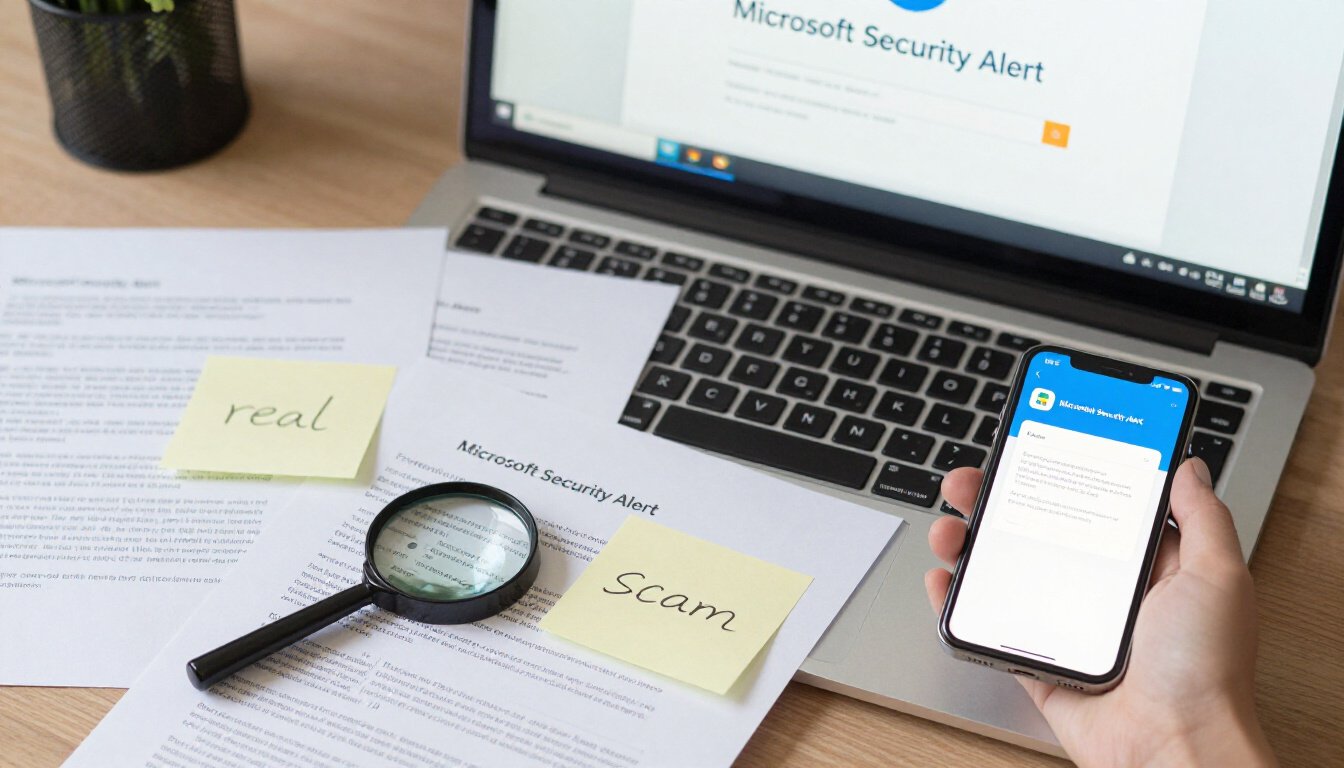
In today’s digital age, receiving a Microsoft security alert email can be unsettling. Is it a genuine warning or just another scam trying to steal your information? Understanding how to tell the difference is crucial. After all, your personal data is at stake. So, let’s dive into the world of emails and learn how to spot the real from the fake.
When you get an email from Microsoft, the first thing you should do is check the sender’s information. Real emails from Microsoft will come from an official domain like @microsoft.com. If you see something odd, like a random string of numbers or letters, that’s a red flag. Another thing to look for is the email’s formatting. Legitimate emails are usually well-structured and free of spelling errors. They won’t ask for sensitive information directly in the email. It’s like a well-dressed person; they stand out because they look polished.
Phishing emails often use urgent language to create panic. They might say something like, “Your account will be deleted!” or “Immediate action required!” This is a classic trick to get you to act without thinking. These emails might also contain suspicious links. If you hover over a link and it doesn’t lead to a recognizable Microsoft site, be cautious. It’s like a wolf in sheep’s clothing, trying to lure you in.
Ever wondered how to dig deeper into an email’s authenticity? Analyzing the email headers can give you a wealth of information. These headers contain details about the email’s origin. If you’re unsure how to access them, don’t worry. Most email clients have a way to view these headers. Once you have them, look for inconsistencies. Does the path it took seem suspicious? It’s like investigating a mystery, where every clue matters.
Fake links are a common tool for scammers. One way to spot them is by using the hover technique. Simply hover your mouse over the link without clicking. Check the URL that appears. If it looks strange or doesn’t match the supposed destination, don’t click. It’s like checking the map before heading out, ensuring you’re on the right path.
If you suspect an email is a scam, there are immediate steps you can take. First, do not respond or click any links. Next, report the email to Microsoft. They have dedicated channels for handling such issues. Lastly, delete the email from your inbox. It’s like dealing with a pesky mosquito; you don’t want it sticking around.
Reporting phishing attempts is vital. Not only does it help protect you, but it also safeguards others. Microsoft has a straightforward process for reporting these scams. You can forward the email to their dedicated address for phishing reports. It’s like being a responsible neighbor, alerting others to potential dangers.
Enhancing the security of your Microsoft account is essential. Consider enabling two-factor authentication. This adds an extra layer of security, requiring a second form of verification. Also, ensure you use strong passwords. Avoid common phrases or easily guessable information. It’s like building a fortress around your account, making it harder for intruders to break in.
Numerous tools and resources can help verify email authenticity. Some email clients offer built-in features to flag suspicious emails. Additionally, online services can analyze emails for potential threats. Staying informed about these tools is like having a trusty toolbox, ready to tackle any problem.
The world of cybersecurity is ever-evolving. Staying updated on the latest threats and trends is crucial. Subscribe to cybersecurity blogs or newsletters. Attend webinars or workshops. It’s like keeping your guard up, always ready to defend against the next wave of scams.
Identifying Genuine Microsoft Emails
Ever opened an email and wondered if it’s real or just another scam? It’s a feeling many of us know all too well. With cyber threats lurking around every corner, recognizing genuine Microsoft emails from phishing attempts is more important than ever. So, how do you tell the difference? Let’s dive into the nitty-gritty of it.
First things first, **check the sender’s email address**. Genuine Microsoft emails will come from addresses ending in @microsoft.com or other official Microsoft domains. If you see something like @microsoft-support.com or @security-microsoft.com, that should raise a red flag. Scammers often create lookalike domains to trick you into thinking an email is legitimate.
Next up, **look at the email formatting**. Microsoft takes its branding seriously. You’ll notice their emails are consistently formatted with clear, professional layouts. If you spot weird fonts, broken images, or anything that seems off, it’s likely a scam. Genuine emails generally have a polished appearance, unlike the haphazard designs of phishing attempts.
Another key element is the **language used in the email**. Microsoft won’t use alarming language to scare you into action. Phrases like “Your account will be closed immediately!” or “Urgent action required!” are classic signs of phishing. Microsoft communicates clearly and calmly, without creating unnecessary panic.
Now, let’s talk about attachments and links. **Microsoft emails will rarely contain attachments** unless it’s something you’ve requested. Be wary of unsolicited attachments. As for links, hover over them before clicking. A genuine Microsoft link will lead to a Microsoft domain. If you’re unsure, don’t click. Instead, go directly to the Microsoft website through your browser.
Here’s a simple table to summarize these points:
| Feature | Genuine Microsoft Email | Potential Scam |
|---|---|---|
| Sender Address | Ends with @microsoft.com | Suspicious domains |
| Formatting | Professional and consistent | Unusual fonts and images |
| Language | Calm and clear | Urgent and alarming |
| Attachments | Rarely included | Often attached |
| Links | Leads to Microsoft domain | Leads to unknown sites |
In conclusion, being able to identify genuine Microsoft emails is like having a digital shield. It protects you from falling prey to scams that could compromise your personal information. Always be cautious, and when in doubt, go directly to the source. Your cyber safety is worth the extra effort.
Common Features of Phishing Emails
Phishing emails are like wolves in sheep’s clothing. On the surface, they might look genuine, but dig a little deeper, and you’ll find the telltale signs of deception. These emails often use urgent language to create panic. Imagine receiving an email that screams, “Your account will be locked in 24 hours!” It’s like a fire alarm going off in your head, urging you to act without thinking. This urgency is a classic phishing tactic.
Another red flag is the presence of suspicious links. These links might look legitimate at first glance, but they can lead you down a rabbit hole of trouble. A simple hover over the link can reveal its true destination. It’s like peeking behind the curtain to see the wizard pulling the strings. Always take a moment to check before you click.
Phishing emails often come from unknown senders or have strange email addresses. It’s like getting a letter from a stranger claiming to be your long-lost cousin. Would you trust it without checking? Probably not. The same logic applies here. Verify the sender’s email address before proceeding.
These emails may also contain generic greetings like “Dear User” or “Valued Customer.” It’s a bit like a salesperson who can’t remember your name. Genuine companies usually address you personally. So, if the greeting feels off, trust your instincts.
Let’s not forget about attachments. Phishing emails often come with attachments that promise to be invoices, receipts, or important documents. But opening these is like opening Pandora’s box. It can unleash a world of malware onto your device. Always be cautious with unexpected attachments.
To wrap it up, recognizing phishing emails is all about paying attention to these subtle cues. Think of it as being a detective, piecing together clues to solve a mystery. By staying vigilant and knowing what to look for, you can protect yourself from falling into the trap of these cyber tricksters.
Analyzing Email Headers
Ever wondered what’s hiding in the email headers? It’s like peeking behind the curtain of a magic show. Email headers contain hidden details that can reveal the true origin of an email. But how do you decipher this digital code? Let’s dive into the nitty-gritty of email headers and see how they can help you spot a scam.
First off, what exactly is an email header? Think of it as the envelope of your email. It includes information like the sender’s email address, the email’s route across the internet, and even the software used to send it. This might sound like a lot, but don’t worry. You don’t need to be a tech wizard to understand it.
Start by looking at the ‘From’ field. This is where the sender’s email address is displayed. But be cautious! Scammers often spoof this field to make the email seem legit. Hover over the sender’s name to reveal the actual email address. If it looks fishy, it probably is.
Next, check the ‘Received’ fields. These show the path the email took to reach you. It’s like a map of the email’s journey. If you spot a server that seems out of place, it might be a red flag. Legitimate emails usually pass through known servers, while suspicious ones might take a detour through unknown territories.
Another critical field is the ‘Return-Path’. This is where bounced emails are sent back. If the return path doesn’t match the sender’s domain, it’s a sign something’s off. It’s like receiving a letter with a return address that doesn’t match the sender’s name.
Let’s not forget about the ‘DKIM’ and ‘SPF’ records. These are like the digital signatures of an email. They verify that the email hasn’t been tampered with during transit. If these records are missing or invalid, treat the email with suspicion.
Here’s a quick tip: Use online tools to simplify the process. Websites like Account Status Meaning offer resources to decode email headers. They can help you make sense of all those technical terms without breaking a sweat.
In conclusion, analyzing email headers might feel like reading a foreign language at first. But with a little practice, you’ll be able to spot the signs of a scam. Remember, email headers are your first line of defense in the battle against phishing. So, the next time you receive a suspicious email, don’t just glance at the subject line. Dive into the headers and uncover the truth.
Recognizing Fake Links
Ever clicked on a link and felt a twinge of doubt? You’re not alone. Recognizing fake links in emails is like being a detective in the digital world. These links are the sneaky traps set by scammers, hoping to lure you into their web. But don’t worry, spotting them isn’t rocket science. It’s all about being observant and a little cautious.
First things first, always hover over the link before clicking. This simple move reveals the real URL behind the text. If the link says Microsoft.com but the hover reveals something like microsoft.scam.com, it’s time to back away slowly. Legitimate companies usually have straightforward URLs. If it looks fishy, it probably is.
Another trick is to check for subtle misspellings or odd characters in the URL. Scammers love to play with letters and numbers to create URLs that look almost right. For example, using a zero instead of an ‘o’ or a ‘1’ instead of an ‘l’. These tiny details can make a huge difference, so keep your eyes peeled.
Let’s talk about secure connections. Real websites, especially those dealing with sensitive information, will have URLs starting with https. The ‘s’ stands for secure. If you see a plain old http, proceed with caution. It’s like walking into a bank without security guards.
And then there’s the good old URL length check. Long, convoluted URLs with strings of random letters and numbers are a red flag. Legitimate companies keep it simple and clean. If a URL looks like it could wrap around the block, think twice before clicking.
Lastly, trust your gut. If something feels off, it probably is. Scammers are getting more sophisticated, but a healthy dose of skepticism goes a long way. When in doubt, don’t click. Instead, go directly to the company’s website by typing the URL into your browser. It’s like taking the scenic route to avoid a sketchy shortcut.
In the digital age, recognizing fake links is a skill worth mastering. It’s all about being a savvy surfer, staying alert, and trusting your instincts. Remember, it’s better to be safe than sorry.
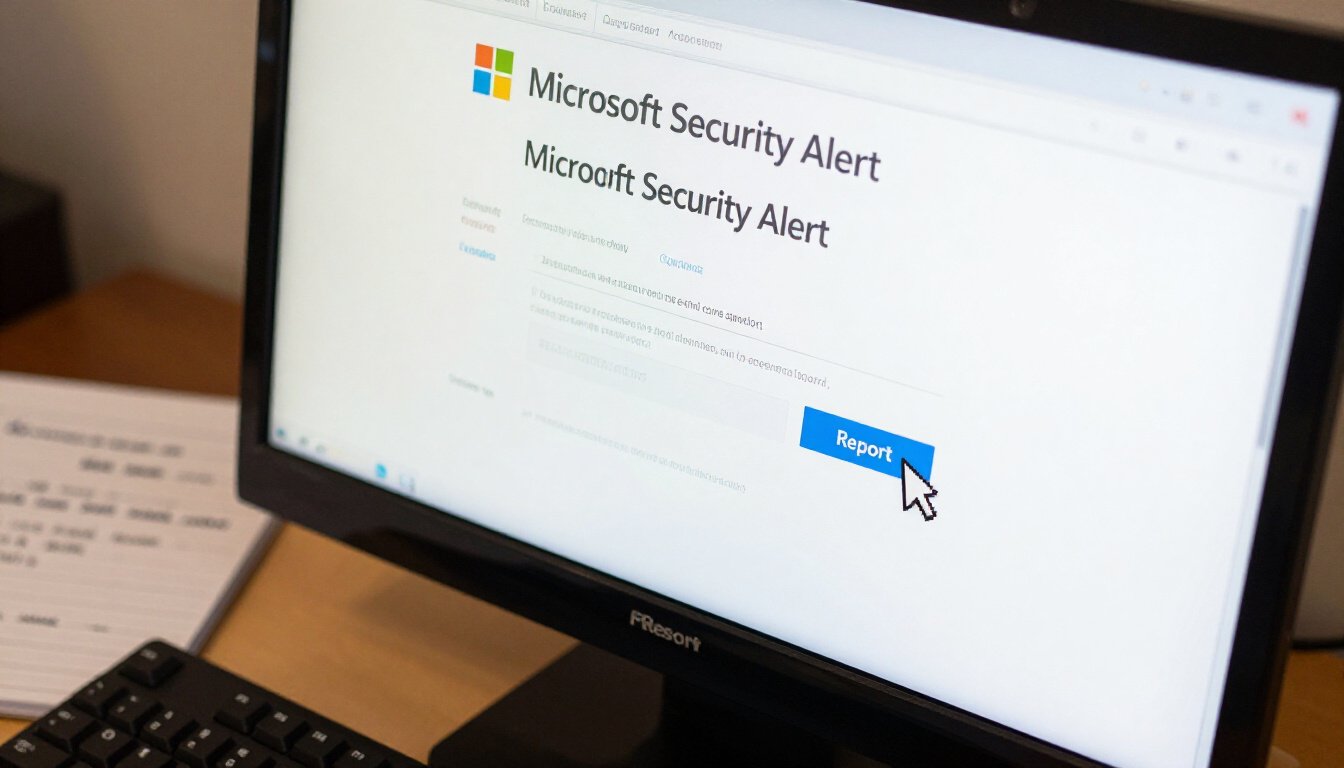
Steps to Take if You Suspect a Scam
Imagine this: You’re sipping your morning coffee, and suddenly, an email pops up. It’s from Microsoft, or so it seems. The email screams urgency, making your heart race a little faster. But wait, is it real or just another scam? It’s a digital jungle out there, and knowing the right steps to take can be your compass.
First things first, don’t panic. Scammers thrive on fear and haste. If you suspect an email might be a scam, take a deep breath and examine it closely. Look for telltale signs like poor grammar, a generic greeting, or an email address that doesn’t quite match up. These are often red flags waving at you to proceed with caution.
Next, hover over any links without clicking them. This simple move can reveal the true destination of the link. Does it lead to a legitimate Microsoft site, or is it a cleverly disguised trap? If it smells fishy, trust your instincts and don’t take the bait.
Once you’ve gathered your thoughts, it’s time to act. Delete the suspicious email immediately. Don’t reply or click on anything within it. This is like closing the door on a potential intruder. But your job isn’t done yet. Reporting the scam is crucial. By doing so, you help protect others from falling into the same trap. You can report phishing attempts directly to Microsoft and other relevant authorities. It’s like being a digital superhero, safeguarding others from harm.
Finally, don’t forget about your own security. Strengthen your defenses by ensuring your Microsoft account is locked tight. Enable two-factor authentication for an extra layer of protection. Think of it as adding a deadbolt to your digital door. Also, regularly update your passwords and keep them strong. Avoid using obvious choices like “password123” or your pet’s name. Instead, opt for a mix of letters, numbers, and symbols. It’s like creating a secret code that only you know.
In summary, if you suspect a scam, remember to stay calm, scrutinize the email, avoid clicking on suspicious links, delete the email, report it, and bolster your account security. By taking these steps, you not only protect yourself but also contribute to a safer digital world for everyone.
Reporting Phishing Attempts
So, you’ve received an email that looks fishy. Maybe it’s from “Microsoft” asking for your password, or perhaps it’s urging you to click a link to verify your account. What do you do next? Well, the first step is to stay calm and resist the urge to click on anything. Instead, let’s talk about reporting these phishing attempts. Reporting isn’t just about protecting yourself; it’s also about safeguarding others from falling into the same trap.
Microsoft takes phishing seriously. They have a dedicated process for handling such reports. Start by forwarding the suspicious email to reportphishing@microsoft.com. This helps Microsoft track and take down phishing sites. But that’s not all. You should also report the email to your email provider. Most email services have a “Report Phishing” option. This not only flags the email but also helps improve their spam filters.
Now, you might be wondering, “What about other authorities?” Good question. If you’re in the United States, consider reporting to the Federal Trade Commission (FTC) via their website. Internationally, there are various organizations dedicated to combating cybercrime. A quick online search can guide you to the right place based on your location.
But why bother with all this reporting? Well, think of it like being a part of a neighborhood watch. Your report could be the key to shutting down a phishing operation. It’s like a ripple effect; one action can lead to significant change. Plus, you’re doing your part in making the internet a safer place for everyone.
Remember, protecting yourself is just as important as reporting. After dealing with a phishing attempt, take a moment to review your account security. Change your passwords, enable two-factor authentication, and keep your software up to date. These simple steps can make a world of difference in keeping your information safe.
In conclusion, reporting phishing attempts is a crucial step in the fight against cybercrime. It might seem like a small action, but it has a big impact. So the next time you encounter a suspicious email, take a stand. Report it, protect yourself, and help others stay safe online. Together, we can make the digital world a more secure place.
Protecting Your Microsoft Account
In today’s digital world, safeguarding your Microsoft account is more crucial than ever. It’s like having a lock on your front door. You wouldn’t leave it unlocked, right? Protecting your account is the same. It starts with something as simple as creating a strong password. Think of it as your first line of defense. A strong password is like a sturdy lock, keeping unwanted guests out.
But let’s not stop there. Ever heard of two-factor authentication (2FA)? It’s like having a second lock, just in case the first one fails. With 2FA, even if someone gets your password, they’ll need a second piece of information to access your account. It’s an extra step, but think of it as a small inconvenience for peace of mind.
Now, let’s talk about monitoring your account activity. Imagine if you could have a security camera watching your front door. Well, you can keep an eye on your account activity too. Microsoft offers tools that let you review recent sign-ins and activities. If something looks fishy, you can act fast. It’s all about being proactive.
Here’s a quick tip: regularly update your security settings. It’s like changing the locks every once in a while. Technology evolves, and so do threats. By keeping your settings updated, you’re staying one step ahead of potential intruders.
Finally, don’t forget to educate yourself. Knowledge is power. Stay informed about the latest security threats. Microsoft often releases updates and tips to help you keep your account secure. It’s like having a trusted advisor by your side.
To sum it up, protecting your Microsoft account is about layering your defenses. Strong passwords, two-factor authentication, regular monitoring, and staying informed are your best strategies. It’s all about being vigilant and proactive. After all, your digital life deserves the same protection as your physical one.
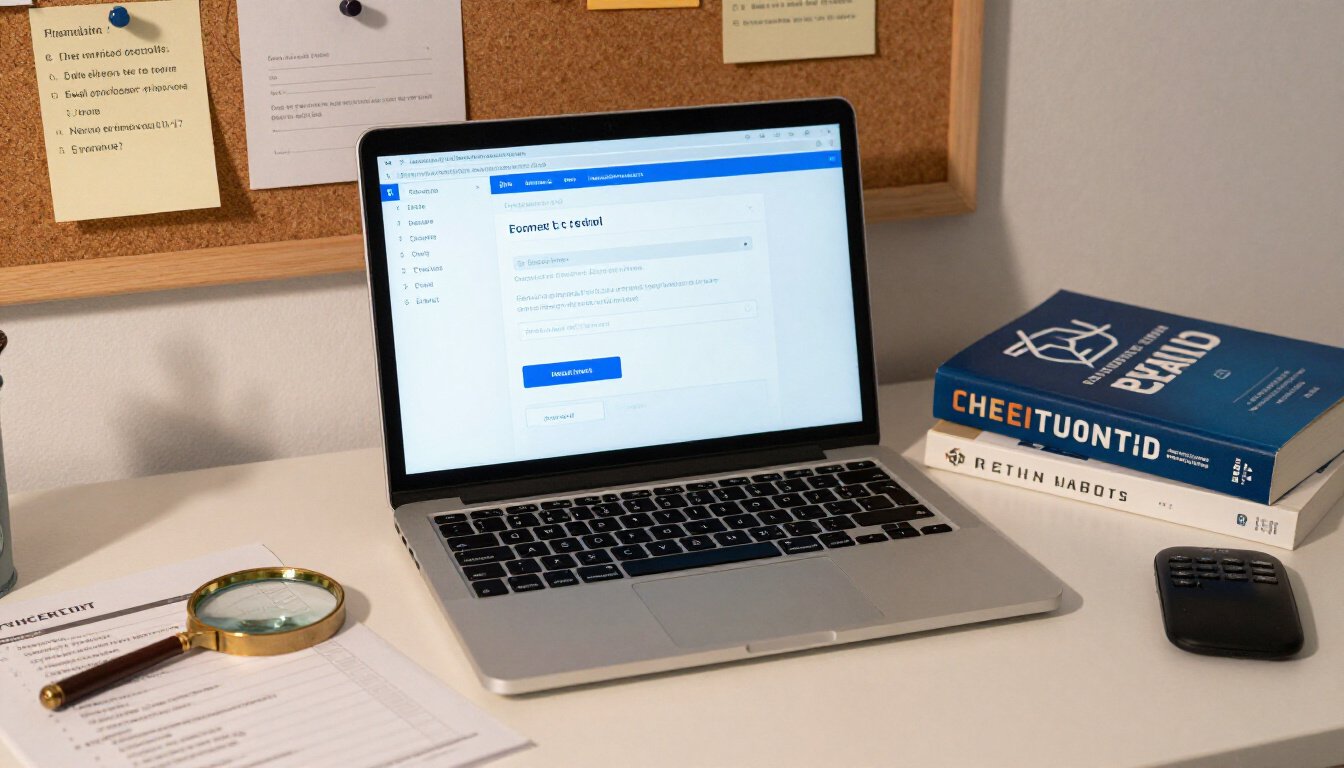
Tools and Resources for Email Verification
In today’s digital age, verifying the authenticity of emails is as essential as locking your front door. But how do you do it without becoming a tech wizard overnight? Well, fret not. There are plenty of tools and resources out there to help you navigate this tricky terrain. Let’s dive into some of the most effective ones.
First up, we have **email header analysis tools**. These nifty tools allow you to peek behind the curtain and see where an email really came from. It’s like having X-ray vision for your inbox. By examining the email headers, you can uncover the true sender and decide if it’s someone you trust. Tools like **MxToolbox** and **Mailheader** are popular choices for this task.
Another invaluable resource is the **URL checker**. Ever hovered over a link and felt a twinge of doubt? You’re not alone. URL checkers, such as **VirusTotal** and **PhishTank**, can scan links for malicious content. They act like a digital bodyguard, ensuring that every click you make is a safe one. Just copy and paste the URL, and let these tools do the heavy lifting.
For those who prefer a more hands-on approach, consider using **browser extensions** designed to sniff out phishing attempts. Extensions like **Netcraft** and **Avast Online Security** integrate seamlessly with your browser, alerting you to potential threats before you even open an email. It’s like having a loyal watchdog that never sleeps.
Now, let’s talk about **email authentication protocols**. These are the unsung heroes of email security. Protocols like **SPF** (Sender Policy Framework), **DKIM** (DomainKeys Identified Mail), and **DMARC** (Domain-based Message Authentication, Reporting & Conformance) help verify that an email is genuinely from the domain it claims to be. Many email providers automatically check these protocols, adding an extra layer of security to your communications.
Lastly, don’t underestimate the power of **community forums and cybersecurity blogs**. Staying informed about the latest scams and phishing techniques is half the battle. Websites like **accountstatusmeaning.com** offer insights and updates on evolving threats, arming you with the knowledge to stay one step ahead of cybercriminals.
So there you have it. With these tools and resources at your disposal, you’ll be well-equipped to verify the authenticity of emails and protect yourself from potential scams. Remember, in the world of cybersecurity, knowledge truly is power. Stay vigilant, stay informed, and keep your digital life secure.
Staying Informed About Cybersecurity Threats
In today’s digital age, staying informed about cybersecurity threats is as essential as locking your doors at night. The internet is a bustling hub of information, but it’s also a playground for cybercriminals. So, how do you keep up with the latest threats without feeling overwhelmed? Let’s dive into some simple strategies.
First, consider subscribing to reputable cybersecurity newsletters. These resources are like your morning coffee, giving you a daily dose of what’s happening in the cyber world. They often include updates on the latest threats, tips for protecting yourself, and insights from industry experts. Some popular ones include Krebs on Security and Dark Reading.
Another way to stay informed is by following cybersecurity blogs and forums. These platforms offer a more interactive experience. You can read articles, participate in discussions, and even ask questions. It’s like joining a community of like-minded individuals who are all striving to stay one step ahead of cyber threats.
Let’s not forget social media. Platforms like Twitter and LinkedIn are buzzing with cybersecurity discussions. Follow industry leaders and organizations to get real-time updates. It’s like having a direct line to the experts, right in your pocket.
For those who prefer a more structured approach, consider taking online courses or attending webinars. These educational resources are designed to deepen your understanding of cybersecurity. They cover everything from basic concepts to advanced strategies. Think of them as your personal training sessions in the fight against cybercrime.
Lastly, don’t underestimate the power of alerts and notifications. Set up Google Alerts for specific cybersecurity topics. This way, you’ll receive notifications straight to your inbox whenever there’s new content on the web. It’s like having a personal assistant who keeps you in the loop.
Staying informed about cybersecurity threats doesn’t have to be daunting. It’s all about finding the right mix of resources that work for you. By staying updated, you’re not just protecting your data. You’re also contributing to a safer online community for everyone. Remember, knowledge is power, especially when it comes to cybersecurity.
Frequently Asked Questions (The title must be written in English (US))
- How can I tell if a Microsoft security alert email is genuine?
Great question! To spot a real Microsoft email, look for the official sender address, which usually ends with @microsoft.com. Also, check the email’s formatting and language. Real emails are usually well-written and free from typos or grammatical errors. If something feels off, it probably is!
- What are the common signs of a phishing email?
Phishing emails often use urgent or threatening language to create panic. They might say your account is compromised and urge immediate action. Look out for suspicious links or attachments. If you’re ever in doubt, don’t click anything!
- How do I analyze email headers to verify authenticity?
Email headers can be a treasure trove of information. They reveal the path an email took to reach you. By examining the “Received” fields, you can trace the email’s origin. If you’re unsure how to do this, many online tutorials can guide you step-by-step.
- What should I do if I suspect an email is a scam?
First, don’t panic! Report the email to Microsoft using their official channels. Then, delete it from your inbox. It’s like getting rid of a pesky mosquito before it bites!
- How can I report phishing attempts to Microsoft?
Reporting is easy-peasy! Simply forward the suspicious email to phish@office365.microsoft.com. This helps Microsoft take action and keeps others safe too. Think of it as doing your good deed for the day!
- What can I do to protect my Microsoft account?
Securing your account is like locking your front door. Use a strong, unique password and enable two-factor authentication. This adds an extra layer of security, making it harder for cyber baddies to break in!
- Are there tools to verify email authenticity?
Absolutely! Tools like email header analyzers and URL scanners can be your best friends. They help verify the legitimacy of emails and links. It’s like having a digital magnifying glass!
- How can I stay informed about cybersecurity threats?
Staying informed is like having a weather app for online safety. Follow trusted cybersecurity blogs, subscribe to updates from Microsoft, and join online forums. Knowledge is power, after all!









