
In today’s digital landscape, receiving a “Suspicious Activity Detected” alert can be as alarming as hearing a smoke detector go off in the middle of the night. But what does it really mean? These alerts are not just random notifications; they’re crucial signals that your online security might be at risk. Understanding these alerts is like having a digital watchdog that barks when something’s not right.
Suspicious activity alerts are your service provider’s way of saying, “Hey, something fishy is going on here.” They often arise from unusual actions on your account that don’t fit your usual pattern. Imagine if someone suddenly started using your keys to enter your house at odd hours—that’s what these alerts are looking out for. They prompt you to take a closer look at your account to ensure everything is as it should be.
So, what triggers these alerts? Picture this: you usually log into your account from your cozy home in New York, but suddenly there’s a login attempt from halfway across the world. Or, there are multiple failed login attempts, like someone trying to guess your password. These are red flags that set off the alarms. It’s like when your dog starts barking at the mailman—something’s out of the ordinary.
Service providers use sophisticated algorithms and machine learning to detect these anomalies. They analyze your usual online behavior, like a detective piecing together a puzzle, to spot the odd one out. This technology is your first line of defense, working behind the scenes to keep your digital life secure.
When you receive an alert, it’s crucial to act swiftly. Think of it as a fire drill—time to check your exits and make sure you’re safe. Review your account activity, change your passwords, and consider enabling two-factor authentication (2FA). It’s like adding a deadbolt to your door, making it much harder for anyone to break in.
Two-factor authentication adds an extra layer of security, requiring a second form of verification. It’s like having a secret handshake that only you know, making it tougher for unauthorized users to gain access. It’s one of the simplest yet most effective ways to protect your accounts.
Preventive measures are key to avoiding suspicious activity. Use strong, unique passwords and update them regularly. Educate yourself on phishing scams—those pesky emails that try to trick you into revealing your personal information. It’s like learning how to spot a wolf in sheep’s clothing.
Ignoring these alerts can have serious consequences, akin to ignoring a leaky faucet that eventually floods your house. Unauthorized access can lead to data breaches and financial loss. Recognizing the importance of these alerts is vital to keeping your accounts secure.
Regular account monitoring is like having a regular health check-up for your digital life. It helps you quickly identify any unauthorized actions, ensuring your personal information remains safe and sound. If you spot something unusual, report it to your service provider immediately. They’re like your digital locksmiths, ready to help secure your account.
As technology advances, so do the methods of detecting suspicious activity. Artificial intelligence and machine learning are paving the way for more sophisticated detection methods. It’s like having a super-smart guard dog, always on the lookout for potential threats.
Understanding Suspicious Activity Alerts
Understanding the implications of suspicious activity alerts and how they affect your online security and privacy is crucial in today’s digital age. This article provides insights into what these alerts signify and how to respond effectively.
In a world where our lives are increasingly online, **suspicious activity alerts** have become a common occurrence. These alerts are like digital watchdogs, barking to let us know something might be amiss. But what exactly do they mean? Simply put, these alerts are notifications from service providers. They tell you that there might be some unauthorized actions happening on your account.
Imagine your account as a house. You wouldn’t want strangers wandering in, right? That’s precisely what these alerts aim to prevent. They’re a heads-up to check your “house” for any open windows or unlocked doors. It’s a way of saying, “Hey, take a look around. Make sure everything is as it should be.”
These alerts are not just for show. They serve a vital purpose. They prompt you to review your account for any discrepancies or unauthorized access. It’s like having a security camera that alerts you when it detects movement. You wouldn’t ignore a camera alert, would you? The same principle applies here. Ignoring these alerts can lead to bigger problems down the road.
Service providers use sophisticated technology to monitor user activity. They look for patterns and behaviors that deviate from the norm. If something looks fishy, they send out an alert. It’s their way of keeping you in the loop and ensuring your digital safety. So, the next time you receive a suspicious activity alert, don’t brush it off. Take a moment to investigate. After all, it’s better to be safe than sorry.
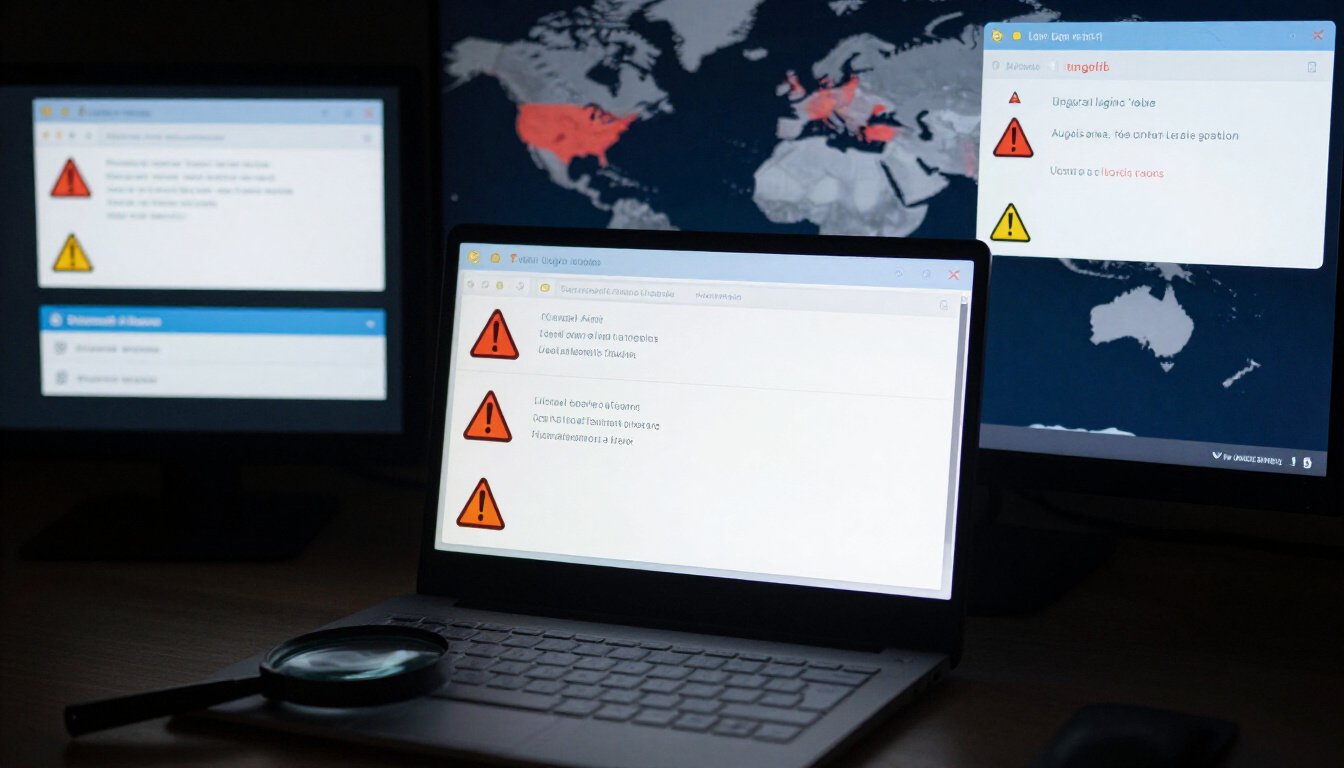
Common Causes of Suspicious Activity
Understanding the implications of suspicious activity alerts and how they affect your online security and privacy is crucial in today’s digital age. This article provides insights into what these alerts signify and how to respond effectively.
Suspicious activity alerts are notifications from service providers indicating potentially unauthorized actions on your account. They serve as a warning to review your account for any discrepancies or unauthorized access.
Ever received an alert about suspicious activity and wondered what could have triggered it? Well, you’re not alone. These alerts can be quite perplexing, but understanding the common causes can help you stay one step ahead. One major trigger is **unusual login locations**. Imagine logging into your account from New York and then suddenly there’s a login attempt from Tokyo. That’s a red flag! Service providers are on the lookout for such anomalies.
Another common cause is **multiple failed login attempts**. Picture this: someone tries to guess your password multiple times and fails. The system flags this as suspicious because it could indicate a brute force attack. Similarly, **unexpected changes to account settings** can also raise alarms. If your account settings are altered without your knowledge, it could mean someone is trying to hijack your account.
Service providers use advanced algorithms to detect these irregularities. They analyze patterns and behaviors, comparing them against your usual activity. So, if something seems off, they alert you immediately. It’s like having a digital watchdog keeping an eye on your accounts.
Understanding these triggers is crucial. It helps you recognize potential threats and take swift action. Remember, it’s always better to be safe than sorry. So, keep an eye out for these signs and safeguard your online presence.
Service providers use algorithms and machine learning to monitor user behavior and detect anomalies. These systems analyze patterns to identify actions that deviate from typical user behavior.
Upon receiving a suspicious activity alert, promptly review your account activity, change your passwords, and enable additional security measures like two-factor authentication to safeguard your information.
Two-factor authentication (2FA) adds an extra layer of security to your accounts by requiring a second form of verification, making it more difficult for unauthorized users to gain access.
Implementing strong, unique passwords, regularly updating them, and educating yourself on phishing scams are essential preventive measures to reduce the risk of suspicious activity on your accounts.
Ignoring suspicious activity alerts can lead to unauthorized access, data breaches, and potential financial loss. Recognizing the seriousness of these alerts is key to maintaining account security.
Regularly monitoring your account activity can help you quickly identify and address any unauthorized actions, ensuring your personal information remains secure and protected.
If you identify unauthorized actions on your account, report the activity to your service provider immediately. They can assist in securing your account and investigating the issue further.
Advancements in technology, such as artificial intelligence and machine learning, are shaping the future of suspicious activity detection, offering more sophisticated methods to protect users from potential threats.

How Service Providers Detect Suspicious Activity
Ever wonder how your service providers seem to know when something fishy is going on with your account? It’s not magic; it’s technology at its finest. Service providers have developed sophisticated systems to keep an eye on your account activity, ensuring your data stays safe and sound. But how exactly do they do it?
At the core of this detection process are algorithms and machine learning. These aren’t just fancy buzzwords. They’re the brains behind the operation. Think of them as digital watchdogs, tirelessly scanning for anything out of the ordinary. They analyze patterns in user behavior, looking for signs that don’t quite fit the mold. It’s like having a digital detective on your side, always on the lookout for anomalies.
For instance, if you usually log in from sunny California and suddenly there’s a login attempt from, say, Tokyo, the system raises a red flag. That’s because these systems are designed to recognize your unique patterns and habits. They know your usual haunts, and when something doesn’t align, they sound the alarm.
But it’s not just about location. Multiple failed login attempts can also trigger an alert. Imagine someone trying to guess your password repeatedly. The system notices these attempts and knows that something’s amiss. It’s like having a bouncer at the door, ensuring only the right people get in.
Moreover, any unexpected changes to your account settings can also set off alarms. Whether it’s a sudden change in your email address or a tweak to your security questions, these systems are on it. They’re like hawk-eyed guardians, ensuring nothing slips through the cracks.
To give you a clearer picture, here’s a simple table showcasing some common triggers for suspicious activity detection:
| Trigger | Description |
|---|---|
| Unusual Login Location | Login attempt from a location not typically associated with the user. |
| Multiple Failed Login Attempts | Repeated unsuccessful attempts to access the account. |
| Unexpected Account Changes | Alterations to account settings without prior notification. |
So, the next time you receive a suspicious activity alert, know that it’s the result of a complex web of technology working tirelessly behind the scenes. These systems are your silent protectors, ensuring your online experience remains safe and secure.
Steps to Take When You Receive an Alert
Receiving a suspicious activity alert can feel like a sudden jolt of electricity. It’s alarming, yes, but it’s also your cue to act swiftly. Think of it as your digital smoke alarm, warning you of possible trouble. The first step? Don’t panic. Instead, take a deep breath and start by reviewing your account activity.
Check for any unfamiliar actions or logins. Did someone log in from a different country? Or maybe there were multiple failed login attempts? If anything looks out of place, it’s time to tighten the security net. Change your password immediately—make it strong, unique, and something only you would know. Consider using a combination of uppercase, lowercase, numbers, and special characters. It’s like building a fortress around your account.
Next up, enable additional security measures. Two-factor authentication (2FA) is your best friend here. It’s like adding a deadbolt to your digital door. With 2FA, even if someone cracks your password, they’ll need a second form of verification to access your account. This could be a text message code or an authentication app prompt.
If you’re unsure about any activity, contact your service provider. They can help you decipher the alert and guide you on the next steps. Remember, they deal with such issues regularly and can provide valuable insights into securing your account.
Finally, consider this a learning moment. Educate yourself on common phishing scams and security threats. It’s like learning self-defense for the digital world. The more you know, the better equipped you’ll be to handle future alerts. Stay vigilant, stay informed, and treat each alert with the seriousness it deserves.
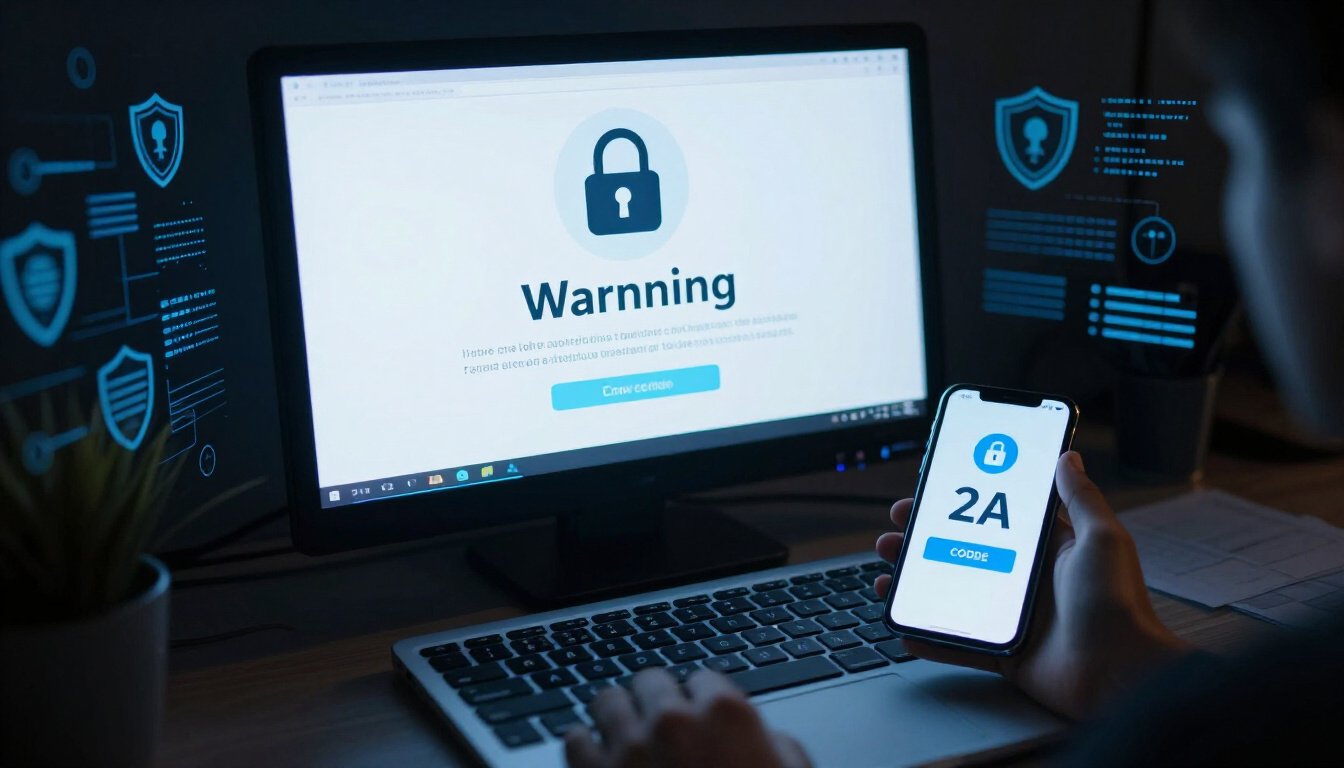
The Role of Two-Factor Authentication
Understanding the implications of suspicious activity alerts and how they affect your online security and privacy is crucial in today’s digital age. This article provides insights into what these alerts signify and how to respond effectively.
In the vast world of online security, two-factor authentication (2FA) stands out as a trusted guardian of digital information. It’s like adding a second lock to your front door, ensuring that only you have the key. But what exactly does it entail? Well, 2FA requires not just a password, but an additional verification step to access your account. This could be a code sent to your phone or an app-generated token. It’s a simple yet effective way to keep the bad guys out.
Imagine this: You’ve just received a suspicious activity alert. Panic sets in. But if you’ve enabled 2FA, there’s a sigh of relief. Why? Because even if someone gets hold of your password, they still need that second piece of verification. It’s like having a secret handshake that only you know. This extra layer of security can be the difference between a safe account and a compromised one.
Here’s a quick look at how 2FA works:
| Step | Description |
|---|---|
| Step 1 | Enter your password as usual. |
| Step 2 | Receive a verification code via SMS or an authenticator app. |
| Step 3 | Input the verification code to gain access. |
Of course, nothing is foolproof. But 2FA significantly reduces the risk of unauthorized access. It’s like having a trusty watchdog for your accounts. So, the next time you set up a new account or update your security settings, consider enabling 2FA. It’s a small step that can make a massive difference in safeguarding your digital life. After all, in a world where cyber threats lurk around every corner, a little extra protection goes a long way.
Preventive Measures to Avoid Suspicious Activity
In today’s digital landscape, safeguarding your online presence is more important than ever. The key to avoiding suspicious activity on your accounts lies in a few simple yet effective preventive measures. First and foremost, crafting strong, unique passwords is essential. Think of your password as the lock on your front door. You wouldn’t use a flimsy lock on your home, so why do it online? Combine letters, numbers, and symbols to create a password that’s tough to crack.
Regularly updating your passwords is another crucial step. It’s like changing the batteries in your smoke detector—something you might not think about often, but it’s vital for security. Set a reminder to update your passwords every few months. This simple action can make a world of difference in keeping your accounts safe.
Beyond passwords, be wary of phishing scams. Imagine a fisherman casting a net, hoping to catch unsuspecting fish. That’s what scammers do with phishing. They send emails or messages that look legitimate but are designed to steal your information. Always double-check the sender’s details and never click on suspicious links. If something feels off, trust your instincts.
Another powerful tool in your security arsenal is two-factor authentication (2FA). Think of it as adding a second lock to your door. Even if someone gets past the first, they won’t easily get through the second. Enable 2FA on all your accounts that offer it. It requires a second form of verification, like a text message or an app notification, making unauthorized access much harder.
Lastly, educate yourself on the latest security threats. The digital world is like a fast-moving river. It changes constantly, and staying informed helps you navigate it safely. Follow reputable sources, attend webinars, or read articles about online security. Knowledge is power, and in this case, it’s your best defense against suspicious activity.
To summarize, avoiding suspicious activity is all about being proactive. By implementing these preventive measures, you can significantly reduce the risk of unauthorized access to your accounts. Remember, in the digital age, vigilance is your best ally.
Understanding the Risks of Ignoring Alerts
Imagine ignoring a fire alarm. Sounds risky, right? Well, ignoring suspicious activity alerts is no different. These alerts are like the smoke detectors of the digital world. They’re there to warn you when something’s off. But what happens if you ignore them? The consequences can be severe. Let’s dive into why it’s crucial to pay attention to these warnings.
First off, ignoring alerts can lead to unauthorized access. Think of it as leaving your front door wide open. Cybercriminals are always on the lookout for easy targets. By not addressing these alerts, you’re practically inviting them in. They can access sensitive information, from personal details to financial data, without you even realizing it.
Next, there’s the risk of data breaches. These breaches can compromise not just your account but potentially affect others connected to you. It’s like a domino effect. Once they have a foothold in your account, they can spread their reach further, causing more damage. The aftermath can be devastating, leading to identity theft and other cybercrimes.
Financial loss is another significant risk. Cybercriminals are not just interested in your data; they’re after your money too. Ignoring alerts gives them more time to manipulate your accounts, potentially leading to unauthorized transactions or even draining your accounts.
Let’s not forget about the emotional toll. Knowing that your personal information has been compromised can be incredibly stressful. It’s like having your privacy invaded, leaving you feeling vulnerable and anxious. The process of recovering from such an incident can be time-consuming and emotionally draining.
Finally, ignoring alerts can damage your online reputation. If your account is used for malicious activities, it could affect how others perceive you. Whether it’s a social media account or a professional profile, once compromised, it can take a long time to rebuild trust with your audience or network.
In conclusion, ignoring suspicious activity alerts is a gamble you don’t want to take. It’s like playing with fire. The risks are just too high. By taking these alerts seriously, you can protect your personal information, financial assets, and peace of mind. Always remember, when it comes to online security, it’s better to be safe than sorry.
The Importance of Regular Account Monitoring
Understanding the implications of suspicious activity alerts and how they affect your online security and privacy is crucial in today’s digital age. This article provides insights into what these alerts signify and how to respond effectively.
In our fast-paced digital world, keeping a close eye on your online accounts is like having a trusty guard dog for your digital life. **Regular account monitoring** is more than just a good habit; it’s a necessary step in safeguarding your personal information. Imagine it as a digital health check-up. Just as you wouldn’t skip your annual physical, you shouldn’t neglect checking your accounts.
Why is this so important? Well, think of your online accounts as treasure chests. They hold valuable information like your personal details, financial data, and even your social identity. Regular monitoring acts as a lock on these chests, ensuring that only you have the key. It helps you spot any unauthorized activity before it spirals out of control.
But what does regular monitoring involve? It’s simpler than you might think. Start by reviewing your account activity logs. Most service providers offer a detailed history of logins and transactions. **Look for anything unusual**—logins from unfamiliar locations or transactions you didn’t make. It’s like being a detective, piecing together clues to protect your digital self.
Moreover, regular monitoring isn’t just about prevention; it’s about peace of mind. Knowing that you’re on top of your account activity gives you confidence. It’s like having a security blanket in the sometimes unsettling world of the internet. You’ll sleep better at night knowing you’re proactive about your online safety.
Let’s not forget the practical aspect. If you catch suspicious activity early, you can take immediate action. Change your passwords, enable two-factor authentication, and notify your service provider. This swift response can make all the difference in preventing data breaches or financial loss.
In conclusion, regular account monitoring is your first line of defense in the digital age. It’s like having a personal security system for your online presence. So, don’t wait for a suspicious activity alert to spring into action. Make monitoring a part of your routine, and keep your digital treasure chests safe and sound.
How to Report Suspicious Activity
You’ve just received an alert that something fishy might be happening with your account. Your heart skips a beat. What do you do next? Reporting suspicious activity is crucial to safeguard your personal information and prevent unauthorized access. But how exactly do you go about it? Let’s dive into the steps you need to take to ensure your account stays secure.
First things first, don’t panic. Take a deep breath and assess the situation. Is the alert genuine, or could it be a phishing attempt? This is important because scammers often try to trick you into revealing personal information by sending fake alerts. If you’re certain the alert is legitimate, it’s time to act.
Start by logging into your account through a secure method. Avoid clicking on any links in the alert message itself. Instead, navigate directly to the website or app. Once logged in, review your recent activity. Look for any unfamiliar actions, such as logins from unknown locations or changes to your account settings. If anything seems off, it’s time to report it.
Most service providers have a dedicated process for reporting suspicious activity. This might include filling out a form, sending an email, or contacting customer support directly. Here’s a quick table to guide you on what information you might need to provide:
| Information Needed | Description |
|---|---|
| Account Details | Your username or email associated with the account. |
| Suspicious Activity | A description of the suspicious actions you observed. |
| Time and Date | When the suspicious activity occurred. |
| Contact Information | Your preferred method of contact for follow-up. |
Once you’ve reported the activity, change your passwords immediately. Opt for strong, unique passwords that are hard to guess. Consider enabling two-factor authentication if you haven’t already. This adds an extra layer of security, making it harder for unauthorized users to access your account.
Remember, reporting suspicious activity not only protects you but also helps service providers improve their security measures. They can use the information you provide to identify patterns and prevent future threats. So, don’t hesitate to report anything that seems out of the ordinary. Your vigilance is your best defense in the digital world.
Future Trends in Suspicious Activity Detection
Understanding the implications of suspicious activity alerts and how they affect your online security and privacy is crucial in today’s digital age. This article provides insights into what these alerts signify and how to respond effectively.
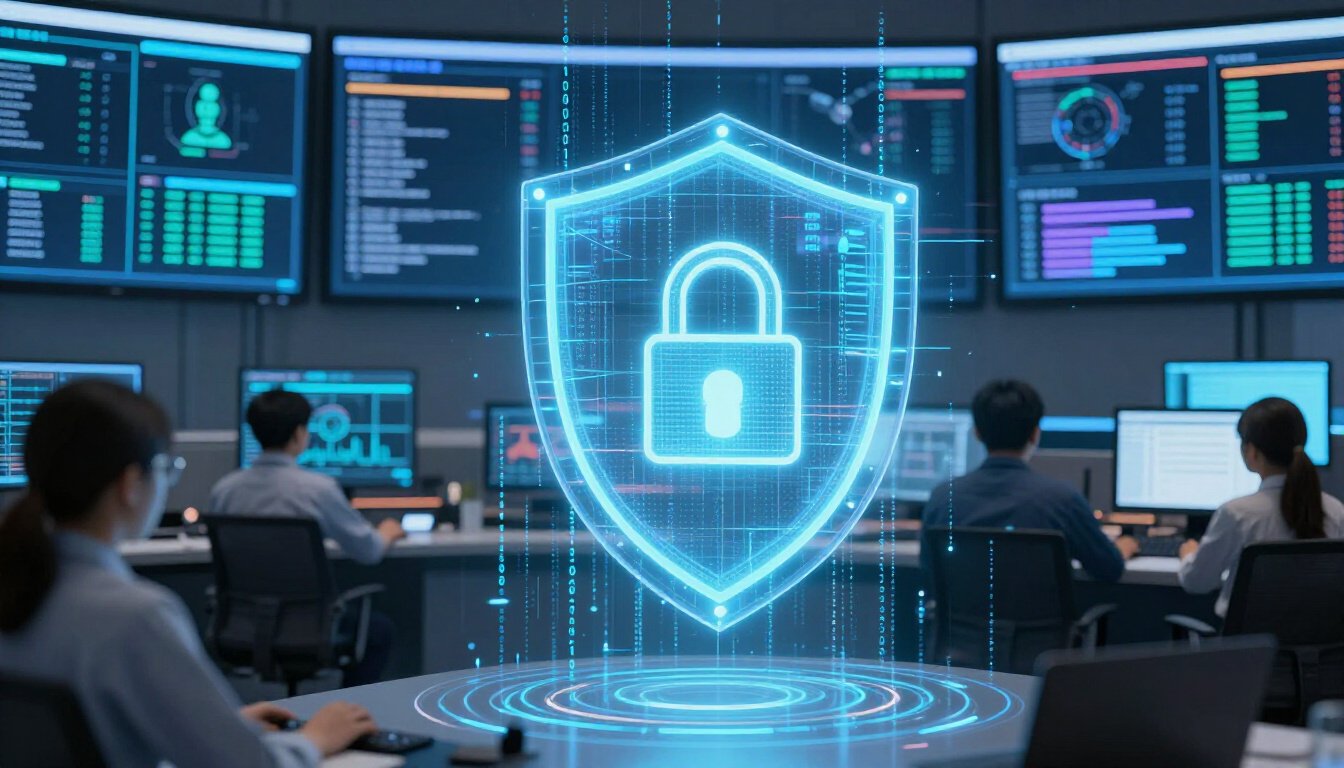
In the ever-evolving world of online security, staying ahead of threats is like trying to predict the weather. You never know when a storm might hit. But, thanks to advancements in technology, we’re getting better at it. One of the most exciting developments is the use of artificial intelligence (AI) and machine learning in detecting suspicious activity. These technologies are like digital detectives, constantly learning and adapting to new patterns of behavior. They can sift through mountains of data to identify anomalies that might indicate a breach.
Imagine a world where your online accounts are protected by an invisible shield. AI and machine learning make this possible by analyzing user behavior in real-time. They look for anything out of the ordinary, like a login from a different country or a sudden change in account settings. It’s like having a security guard who never sleeps, always on the lookout for potential threats.
Another trend to watch is the integration of behavioral biometrics. This technology takes security to a whole new level by analyzing the unique ways you interact with your devices. From the way you type to how you move your mouse, these subtle behaviors can be used to verify your identity. It’s like having a digital fingerprint that can’t be faked.
But let’s not forget about the role of blockchain technology in ensuring data integrity. With its decentralized nature, blockchain provides a secure way to store and verify information. This makes it much harder for hackers to tamper with data, adding another layer of protection against suspicious activity.
As these technologies continue to develop, we can expect even more sophisticated methods of detecting suspicious activity. It’s an exciting time for online security, and staying informed about these trends is essential. After all, in the digital world, knowledge is power. And being aware of the latest advancements can help you stay one step ahead of potential threats.
Frequently Asked Questions
- What should I do if I receive a suspicious activity alert?
First things first, don’t panic! These alerts are designed to help you. Start by reviewing your account activity for anything fishy. Change your password to something strong and unique, and enable two-factor authentication for an extra layer of protection. It’s like putting a second lock on your front door!
- Why do I keep getting these alerts?
Well, there could be a few reasons. Maybe you’re logging in from a new location or device, or perhaps there are multiple failed login attempts. Service providers use smart algorithms to detect anything unusual. Think of it as your digital watchdog, always on the lookout!
- Is it safe to ignore suspicious activity alerts?
Ignoring these alerts is like ignoring a fire alarm—risky business! They could indicate unauthorized access, which might lead to data breaches or financial loss. Always take them seriously to keep your accounts safe and sound.
- How can I prevent suspicious activity on my accounts?
Prevention is better than cure, right? Use strong, unique passwords and change them regularly. Stay informed about phishing scams and always be cautious about where you enter your login details. It’s like wearing a seatbelt for your online safety!
- What is two-factor authentication and why should I use it?
Two-factor authentication (2FA) is an extra security step that requires a second form of verification, like a text message code. It makes it much harder for unauthorized users to access your account. Think of it as a secret handshake that only you know!
- How do service providers detect suspicious activity?
They use advanced algorithms and machine learning to monitor user behavior and detect anomalies. It’s like having a super-smart detective on your side, always analyzing patterns to keep you safe.
- What should I do if I notice unauthorized activity on my account?
Spotting unauthorized activity is like finding a leak in your boat—act fast! Report it to your service provider immediately. They can help secure your account and investigate further to prevent any damage.
- Are there any future trends in suspicious activity detection?
Absolutely! Technology is always evolving. With advancements in artificial intelligence and machine learning, the future looks bright for more sophisticated and effective methods to protect users from potential threats. It’s like upgrading from a bicycle to a jet plane in terms of security!









